20
Profile
There are many profile-related functions. For custom profiles, see “2.3 Custom Profile.”
Setting
This enables the designation of various setting values needed for slicing.
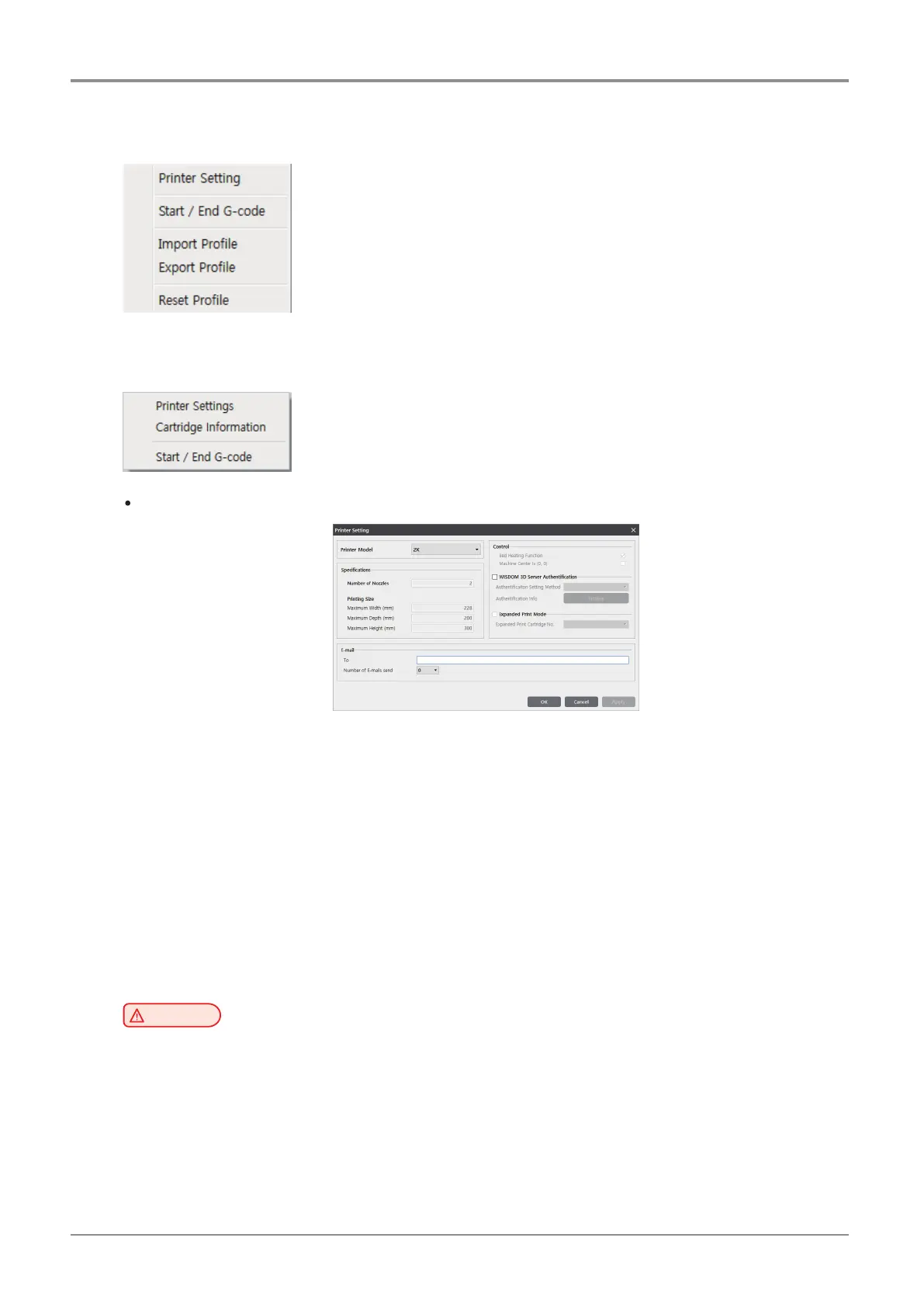
Printer Setting
-
This setting dialog allows you to check or set the printer related functions such as the number of nozzles,
maximum printing size, bed heating function, and e-mail transmission.
-
E-mail: Sends the printing status to the entered e-mail address.
Under “email,” input the recipient email address(es) and select the number of times to send the
notification emails. Additional recipient addresses can be added by using “;.”
ex> recipient1@test.com; recipient2@test.com; recipient3@test.com
The maximum number of notification emails that can be sent is 10.
An email notification, an email will be sent out for the user to see if the email notification is working properly
by default. So the email will be sent out one more time than the number that the user entered. However,
the number of email that is sent will not exceed 10 times.
(When user selects 10 times, the notification email will be sent out 10 times)
Caution
-
E-mail feature must be selected from the UI menu before being used.
For further details, please refer to “UI Menu Feature Description.”



 To Next Page