23
Add Local Printer
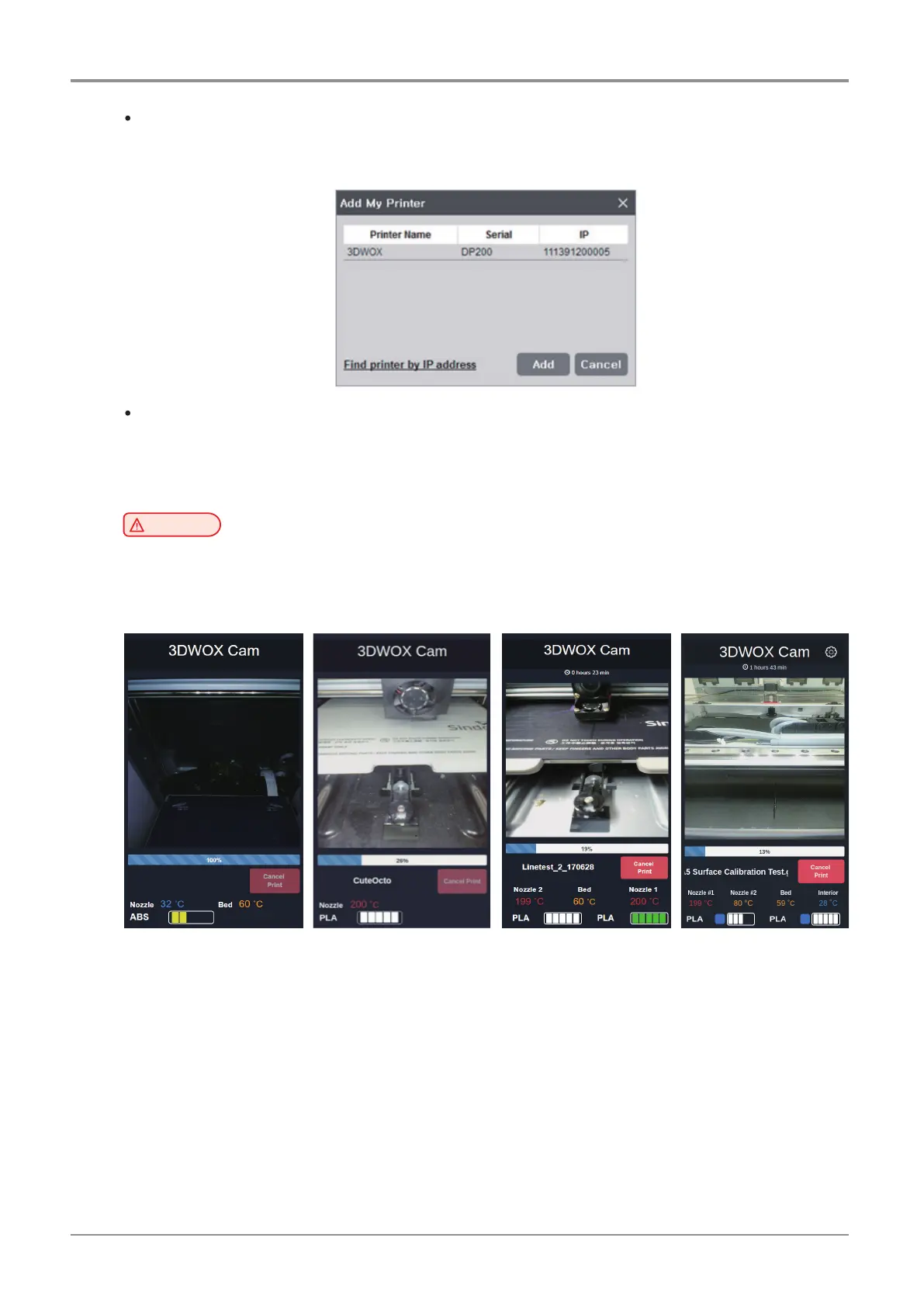
Automatically searches the printer that is connected by the USB Cable and displays it on the screen.
If you click the [Add] button after selecting the searched printer, the printer is added to “My Printer”.
Web Monitoring
-
Function allows user to monitor the operation of the network printer connected to this program.
-
Password is required to cancel the printing. The initial password is “0000”.
You can change the password in the [Info] menu of the printer.
Caution
-
Compatible browser versions are Internet Explorer 11 or FireFox 40.0 or Chrome 47.0 or higher.
-
Some functions may not work properly If using Internet Explorer or lower version of above
mentioned browsers.
< DP200/DP102,
3DWOX 1/DP103,
1X/1X DP302, DP203 >
< DP201/DP202 > < 2X/2X DP303 > < 5X, 7X >



 To Next Page