22
Printer
Finds and adds printers on the network.
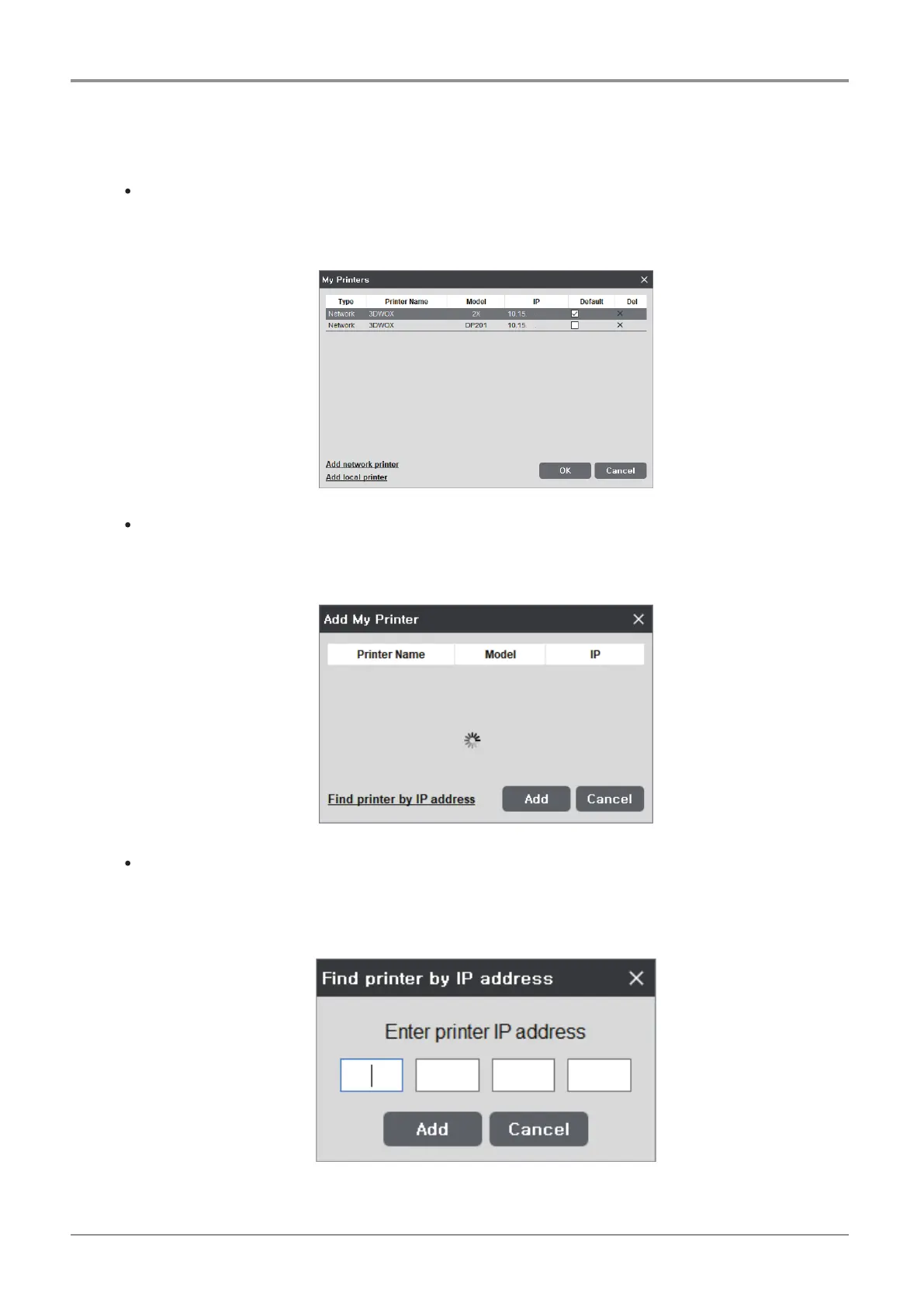
My Printer Management
This screen manages the printers added by user.
On restart of the program, without any settings required, prints will be directed to the default printer.
Add Network Printer
Automatically searches and finds available printers in network.
Select from the found printers and press “add”, then selected printer will be added to “My Printer”.
Find Printer by IP Address
Add by inserting specific printer IP address.
After typing the IP address, press “Add”. if the IP address is available, the printer within the IP address will be
added to “My Printer”.



 To Next Page