4.3 Binding
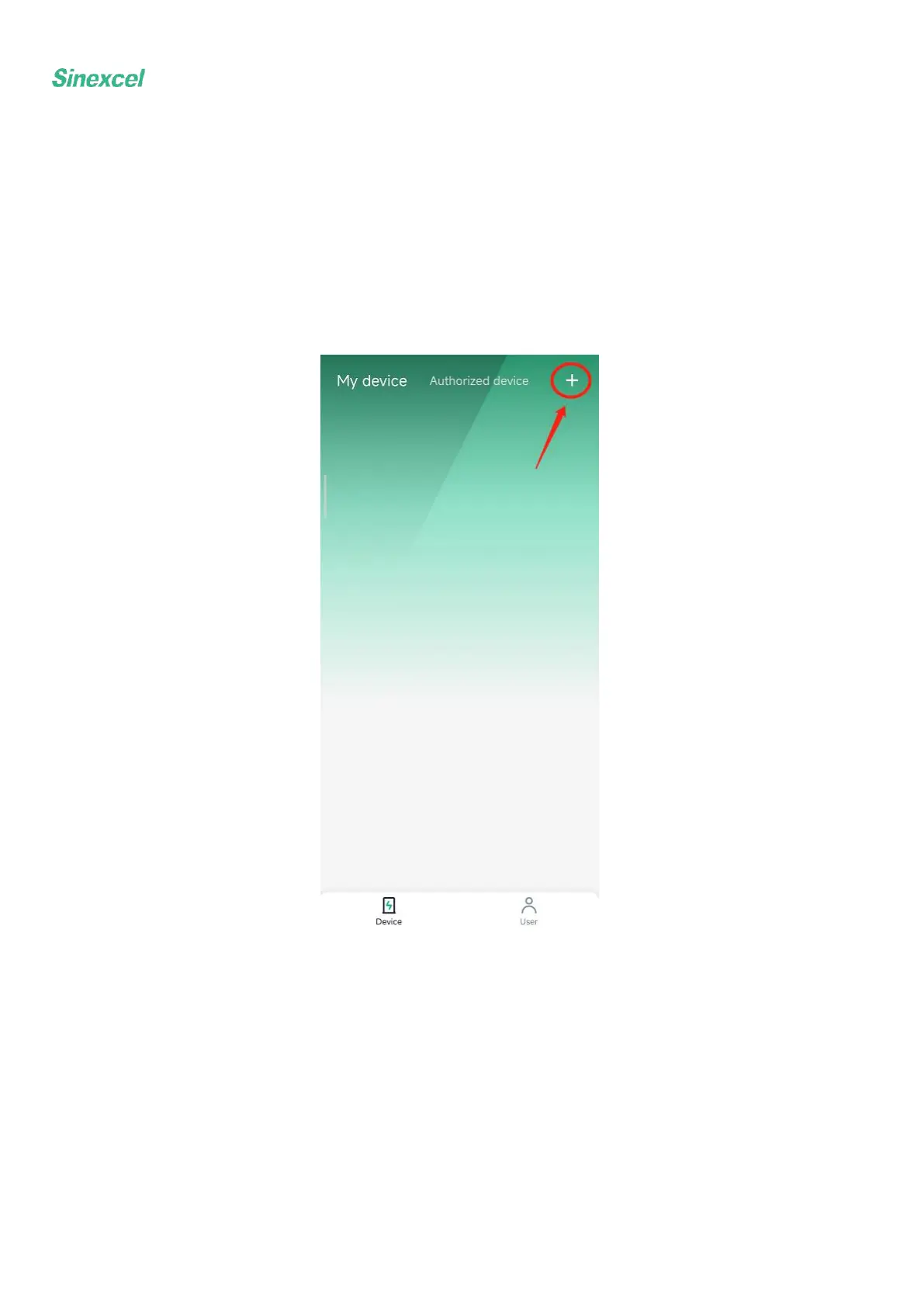
Enter the App interface, as shown in the figure, and click "+" in the upper right corner to enter the binding
page. Enter the user-defined name, click the charger model and select interstellar; the Charger number is
bound by scanning the code, and the specified QR code is scanned to automatically obtain the charger
number; click "Bind Now" to start binding the charger. During the binding process, the location
permission needs to be enabled, and the App will also remind you to enable the location; A charger can
only be bound to one account, and one account can be bound to multiple chargers.


 To Next Page