4.7
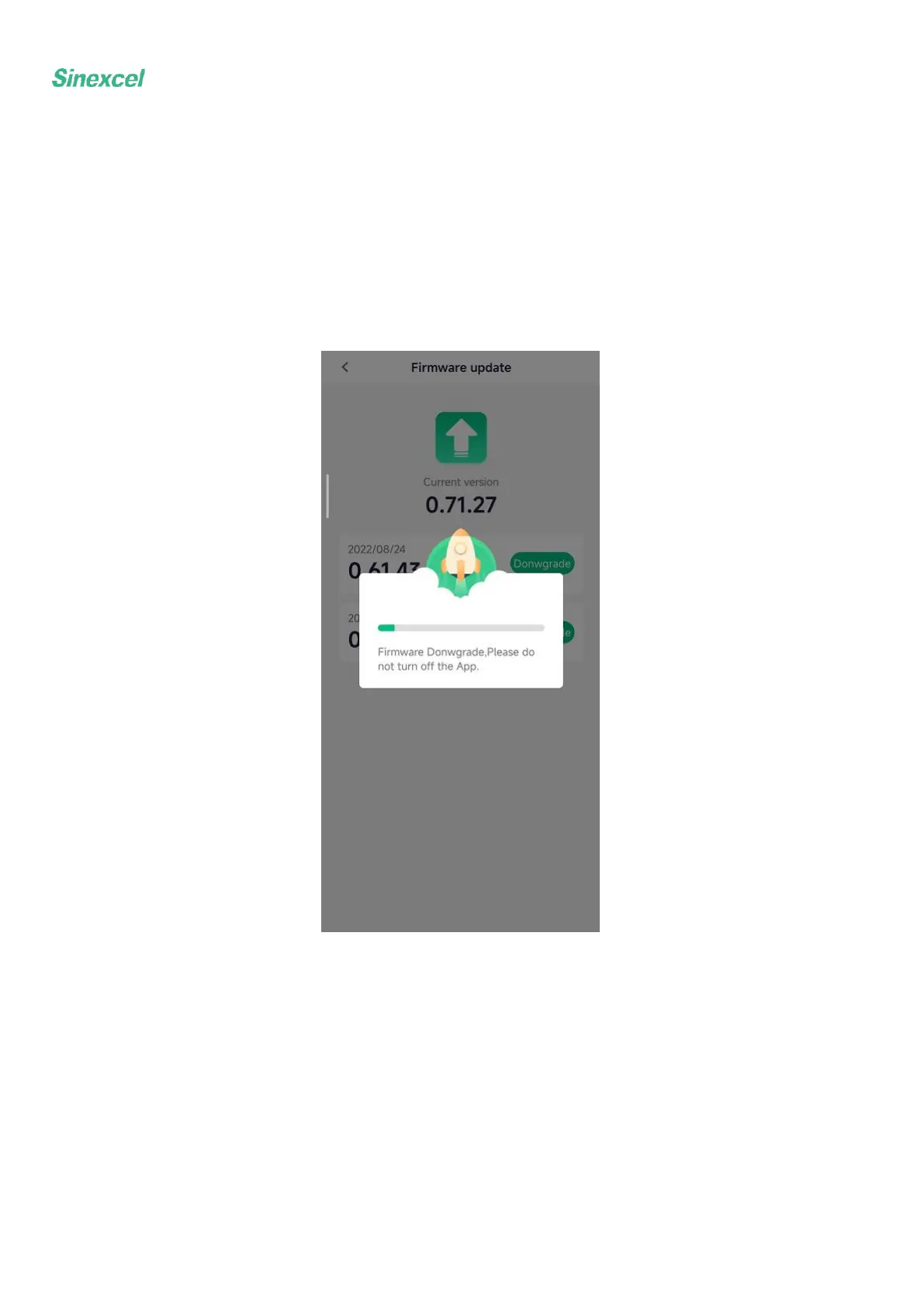
Firmware update
Click "Firmware Upgrade" under the "Device Details" interface. Select the version, upgrade or downgrade
to the corresponding version of software as required, and then click Upgrade or downgrade. When you are
in the process of software upgrade, please wait patiently for the completion of the upgrade process, which
is estimated to be 2-3 minutes. After the upgrade is completed, the charger will restart automatically. At
this time, the APP needs to reconnect the charger. After that, check the equipment version under the
"Equipment Details" interface to confirm whether the upgrade is succeed.


 To Next Page