10
Running the machine
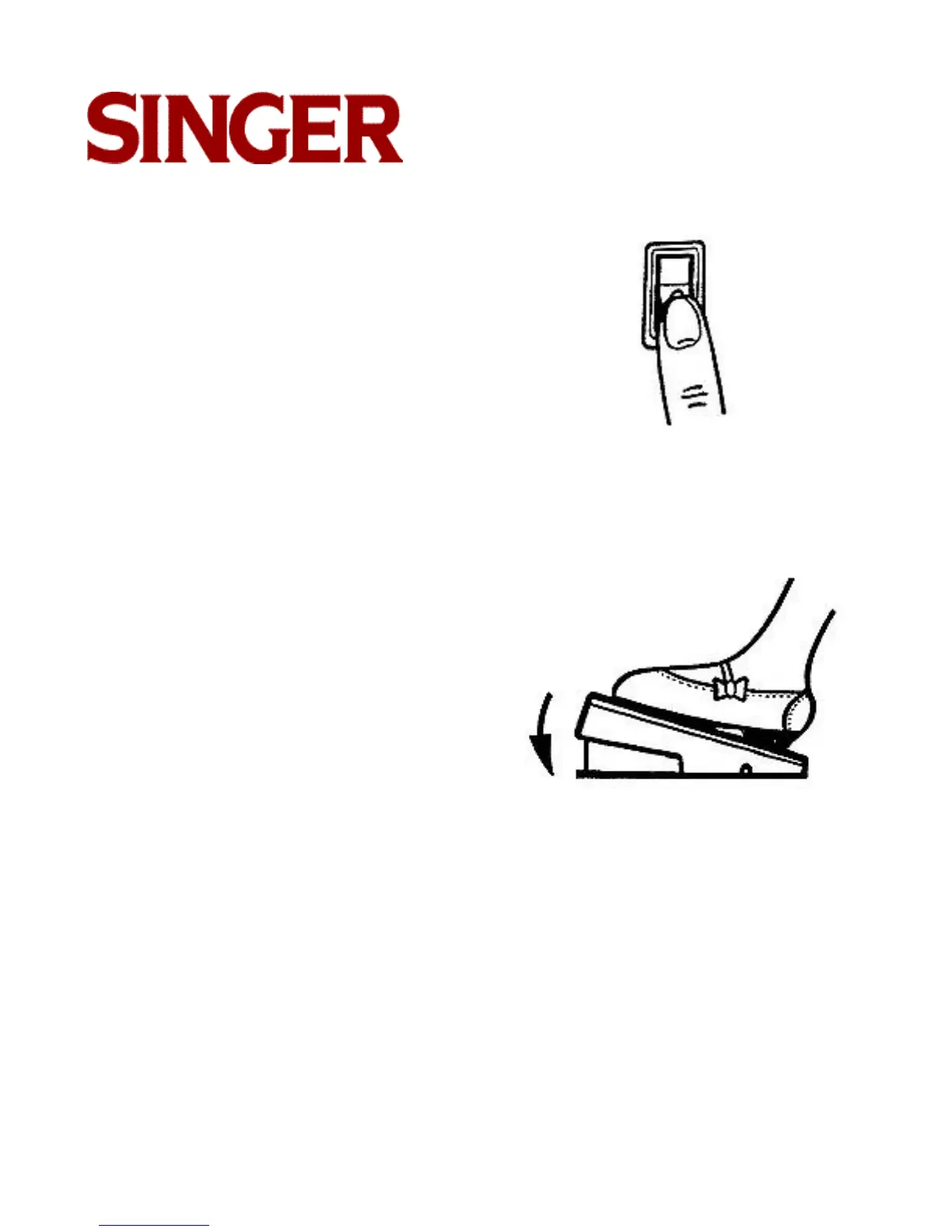
To turn on machine and sewing light, press
upper portion of power switch. To turn off
machine and light, press lower portion "O" of
power switch.
To run the machine and control speed, press
the foot control with your foot. The harder you
press, the faster the machine will sew. To
stop machine, remove foot from control.
Note: Do not operate machine without fabric
under the presser foot as this may
damage the feed and the presser foot.



 To Next Page