11
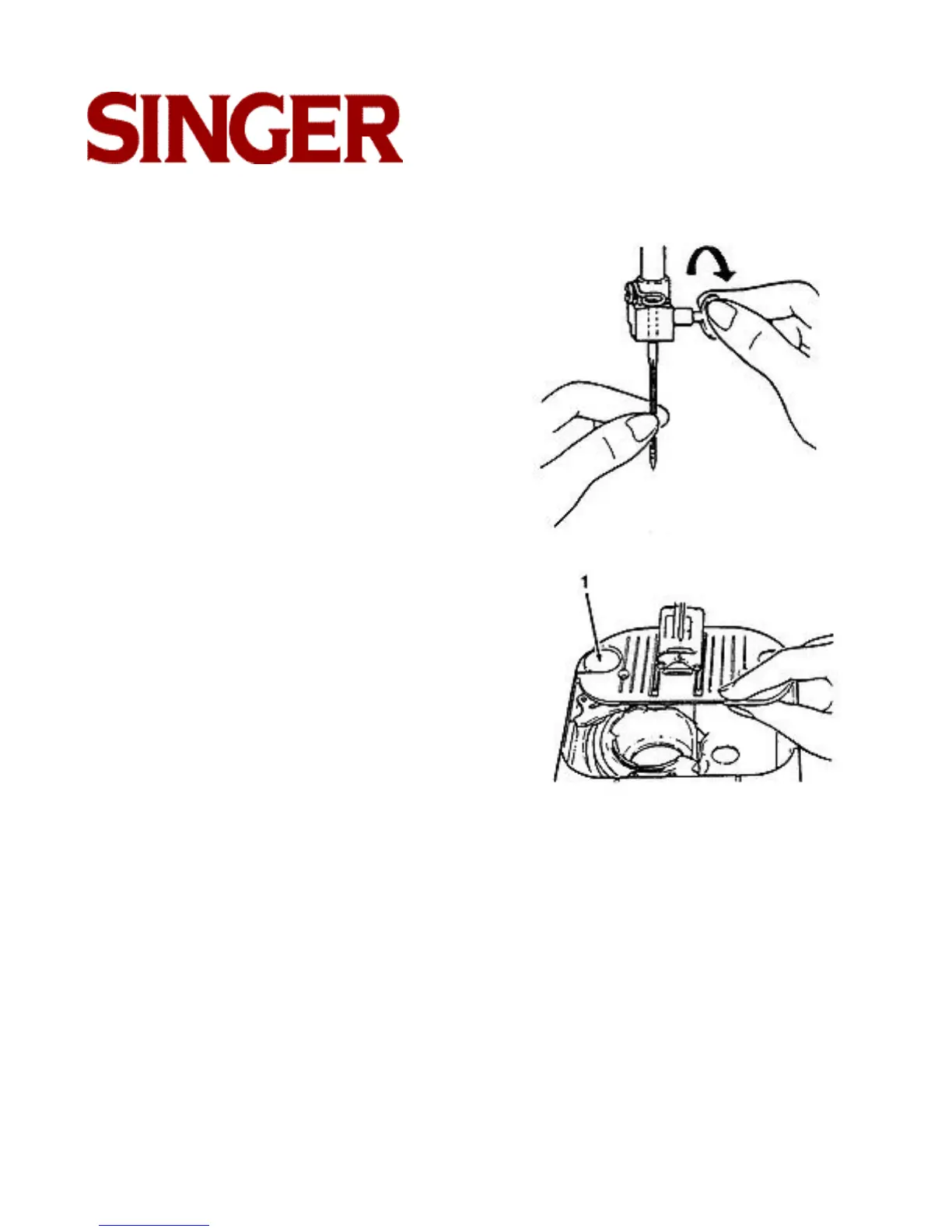
Choosing and changing needles
• Raise needle to its highest position.
• Loosen needle clamp screw and remove
needle.
• With flat side of needle to the back. Insert
new needle up into clamp as far as it will go
• Tighten needle clamp screw securely.
Changing the needle plate (A), (C)
• Raise needle and presser foot.
• Open slide plate.
• Lift up needle plate from right corner and
slide out from under foot.
• To replace needle plate, slide it under pin
(1) and push it firmly to the left.
• Press down until it snaps into place.



 To Next Page