30
ERROR MESSAGES
If an incorrect operation is made, the sewing machine will
not operate with beep sound and an error message will be
displayed.
When an error message is displayed, x the problem following
the instructions below.
1. If foot control is depressed, while no pattern is selected.
Select a pattern.
2. Bobbin winder is in operation.
Check bobbin winder and move it to left.
3. When buttonholing, buttonhole lever is raised.
Lower buttonhole lever.
4. When sewing patterns, buttonhole lever is lowered.
Raise buttonhole lever.
12
11
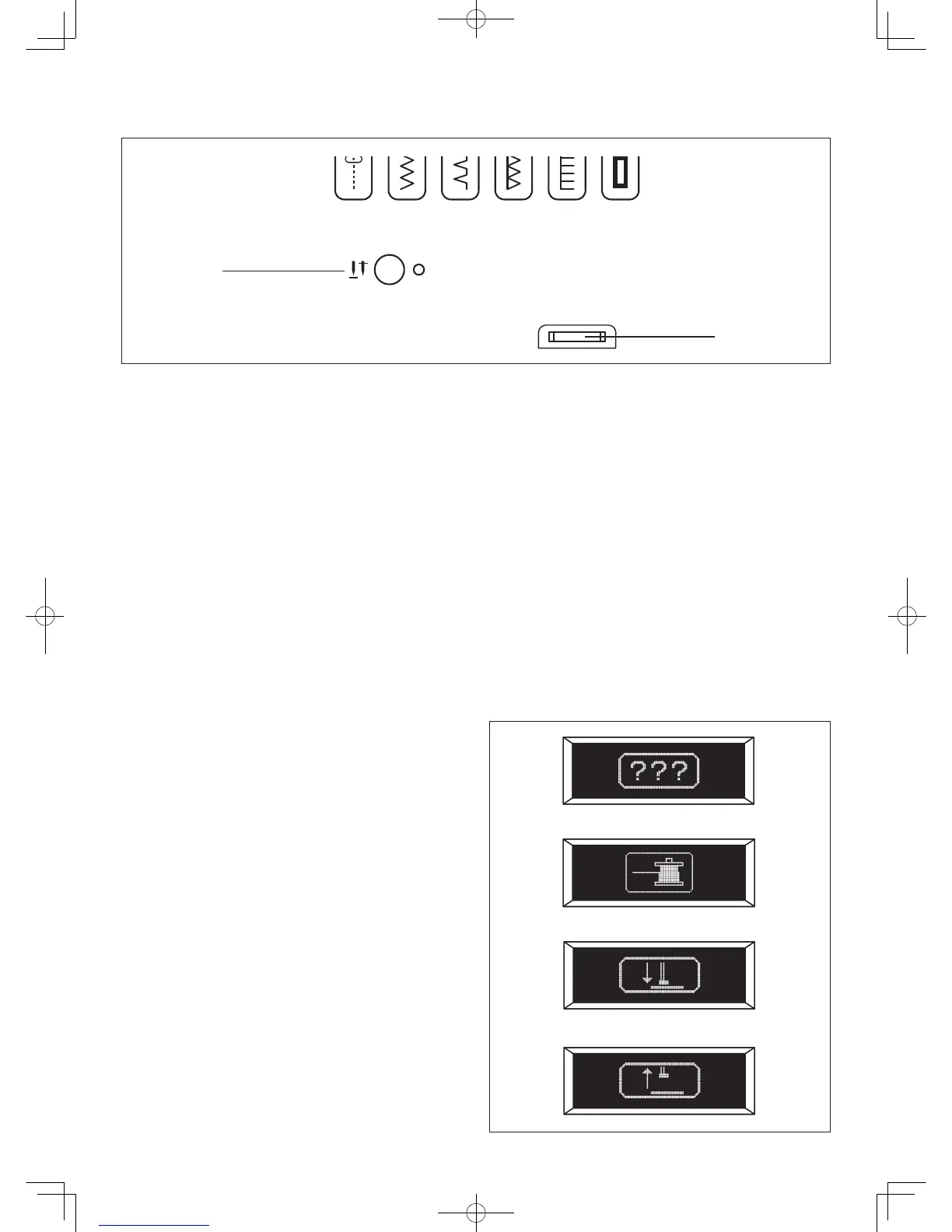
11. Needle stop position selector switch
Push the switch and LED lamp will be lit red and needle
will stop at down position whenever you stop sewing.
Push it again to stop needle at up position.
12. LCD CONTRAST CONTROL KNOB
Contrast of LCD can be adjusted by turning the knob.



 To Next Page