36
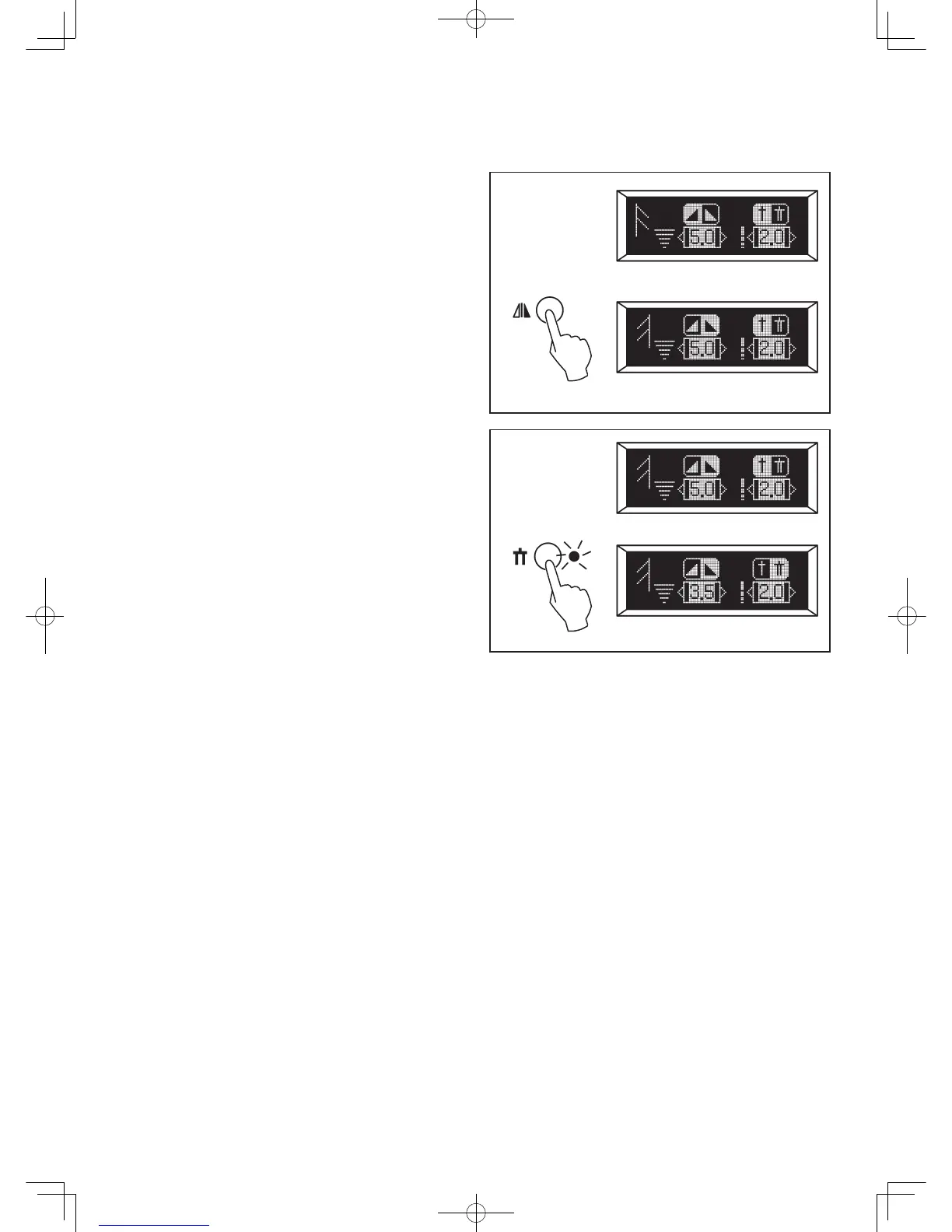
MIRROR IMAGE SETTING
Mirror image of a selected pattern can be selected by pressing
the mirror image button, if the mirror image icon appears on
the display.
TWIN NEEDLE SETTING
Twin needle mode can be selected by pressing the twin
needle button, if the twin needle icon appears on the display.
Doing so will reduce the stitch width automatically and save
broken needles and possible damage to your machine.
Note: Turning off the machine returns the machine to normal
sewing mode.



 To Next Page