22
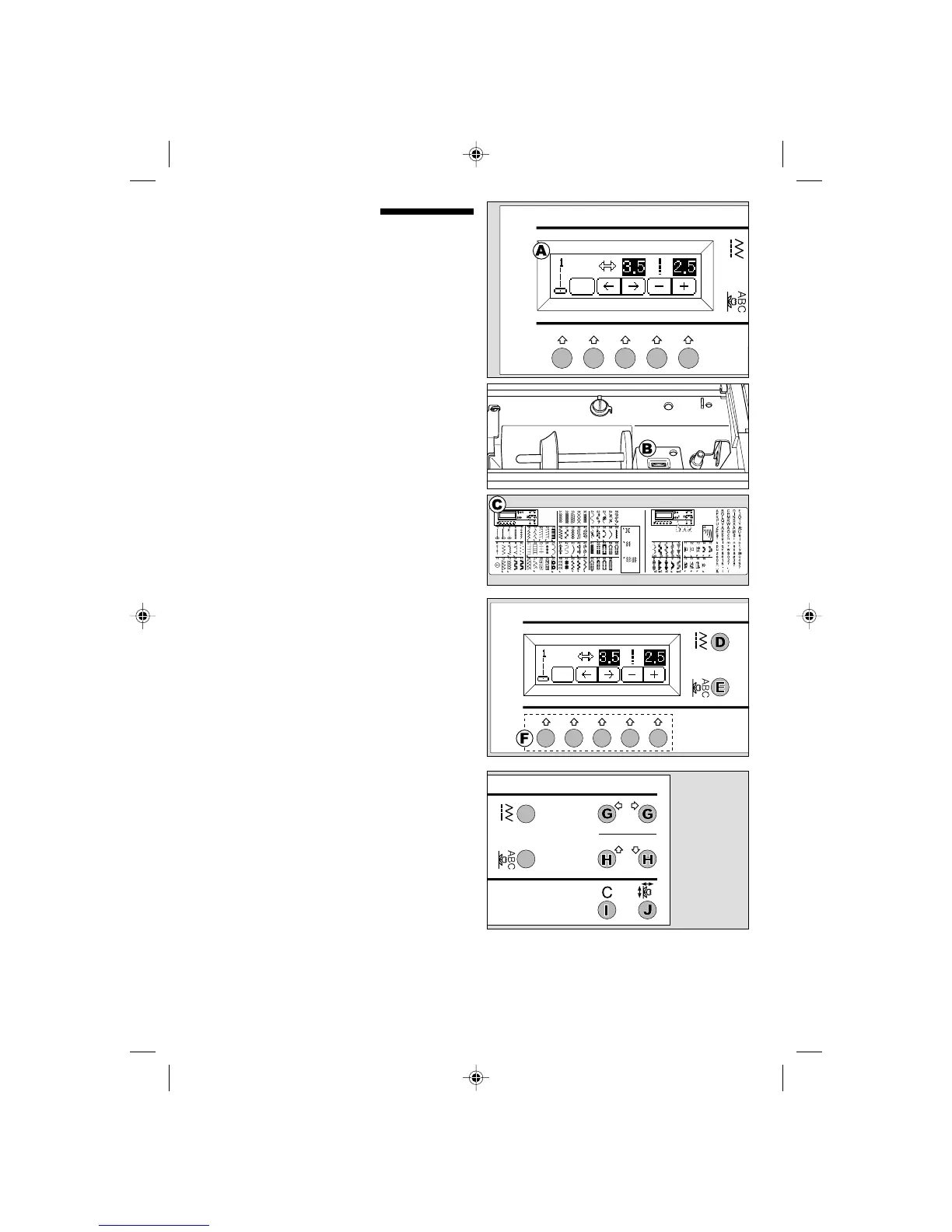
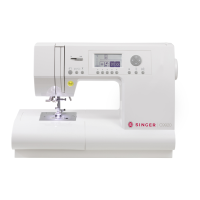
CONTROL PANEL
When you turn on the power, machine will select
the straight stitch and indicate information of stitch
on the L.C.D.
A.L.C.D. DISPLAY
Stitch information is indicated on this display.
According to the pattern, information will be
changed.
B.L.C.D. CONTRAST CONTROL
The contrast of L.C.D. is adjusted by turning this
dial.
C.PATTERN CHART
Pattern chart is located inside of the top cover.
All patterns and letters of this machine are
indicated on this chart.
They are separated Utility stitch, and Decorative &
letter stitch.
D.UTILITY STITCH BUTTON
By pressing this button, you can select utility stitch
patterns.
FOR SELECTING AND SETTING UTILITY
STITCH, SEE PAGE 38.
E. DECORATIVE & LETTER STITCH
BUTTON
By pressing this button, you can select decorative
& letter stitch pattern.
These patterns and letters are combined easily by
selecting each pattern.
FOR SELECTING AND SETTING DECORATIVE
& LETTER STITCH, SEE PAGE 72.
F. FUNCTION BUTTONS
Functions of these buttons are changed by
selected stitch pattern and setting button.
G.CURSOR BUTTONS
At decorative & letter stitch selection, cursor will
move left or right by pressing these buttons.
H.SCROLL BUTTONS
During pattern selection, 5 patterns or letters will
scroll up or down by presseing these buttons.
I. CLEAR BUTTON
In decorative & letter stitch mode when pressing
this button, selected pattern or letter will be
deleted from memory.
J. SETTING BUTTON
In decorative & letter stitch mode, you can change
the settings of each pattern by pressing this button
and function buttons.
9920EFSt.pm6 2003.9.10, 8:40 PM22


 To Next Page