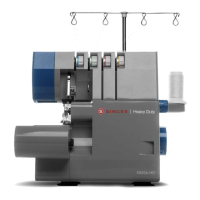
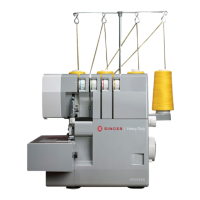
1 Upper looper
2 movable upper knife
3 Presser foot
4 Stationary lower knife
5 Lower looper
6 Seam width finger knob
7 Seam width adjustment knob
Connect the controller / electric plug 1 to the
machine receptacle 2.
Plug power line 3 into electric outlet 4.
Power Switch: Push “-” mark side to turn “ON”.
Push “O” mark side to turn “OFF”.
To run the machine and control the speed, press
the controller.
The harder you press, the faster the machine will
sew.
WARNING:
Use only foot controller provided with this
machine.(YC-482 for U.S.A. & CANADA only)
Be sure to make reference to “Warning” on
following page.
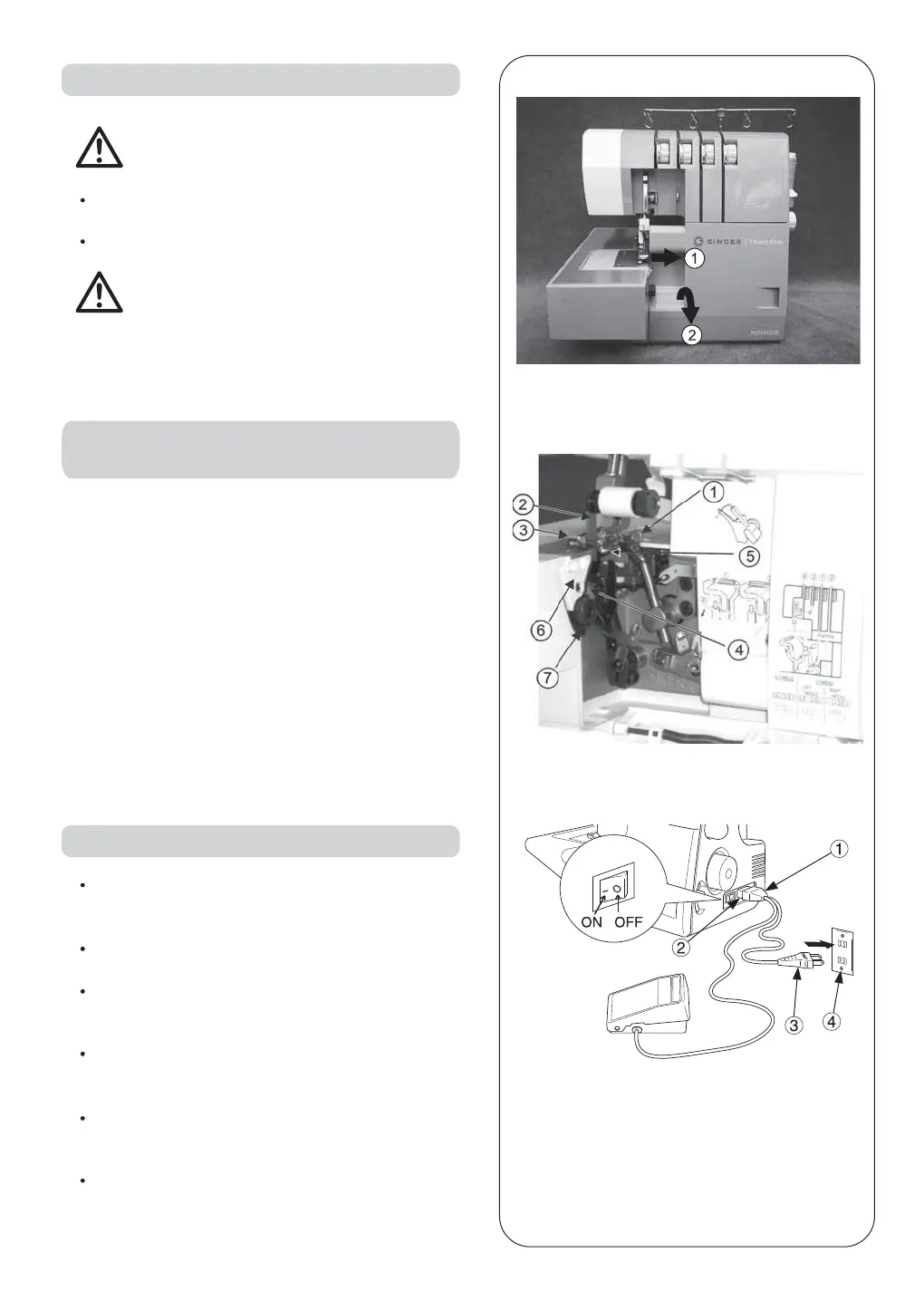
6. HOW TO OPEN LOOPER COVER
8. PREPARATION PRIOR TO SEWING
7. PRINCIPAL PARTS BEHIND
LOOPER COVER
Caution:
Be sure to turn off power switch.
Caution:
Be sure looper cover is closed when sewing.
Push the cover to the right as far as it will go 1 .
Pull cover down toward you 2 .
To stop the machine from sewing, remove your foot
from the controller.
9


 To Next Page