26 S0100 / S0105 104 73 97-26
19 . Stitch width fi nger
CHECK
1. Open the Front cover.
2. Place the upper knife in non working position.
3. Set the seam width to 3.5 mm.
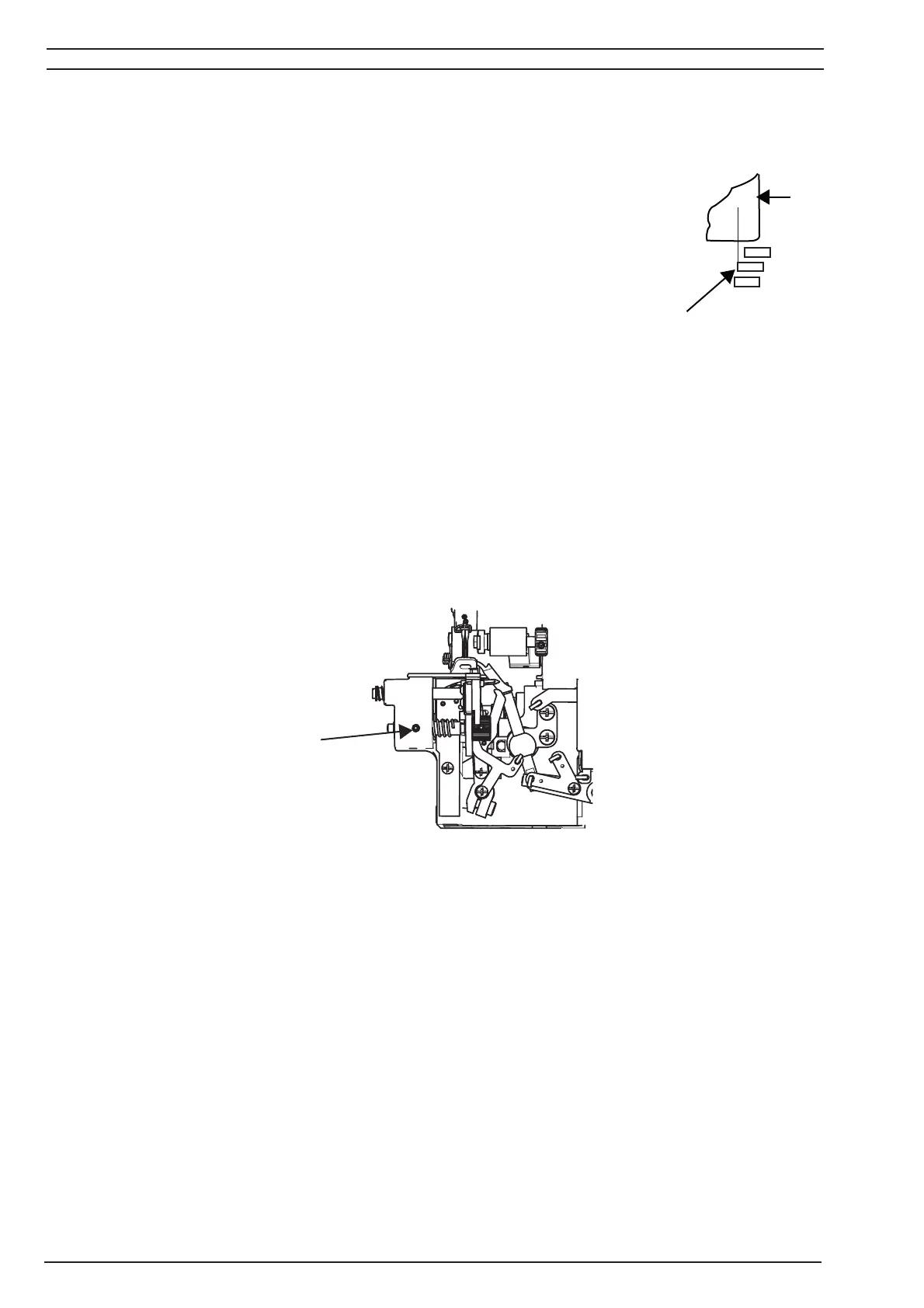
4. The left of the white stitch width unit (A) should now be lining up
with the 3.5 mark on the needle plate (B).
ADJUSTMENT
1. Open the Front cover.
2. Place the upper knife in non working position.
3. Set the seam width to 3.5 mm.
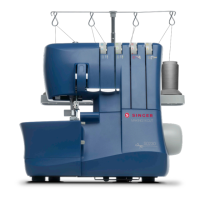
4. Loosen up the set screw (C) in the front.
5. Move the stitch width unit until the left side of it is lining up with 3.5 marking on the
needle plate.
6. Tighten the screw (C) in the front.
4.5
3.5
3.5
4.5
R
3.0
B
C



 To Next Page