© Mar. 2022 6-4 GTJZ0612E&0812E&1012E&1212E Operation Manual
PRE-OPERATION FUNCTION TEST
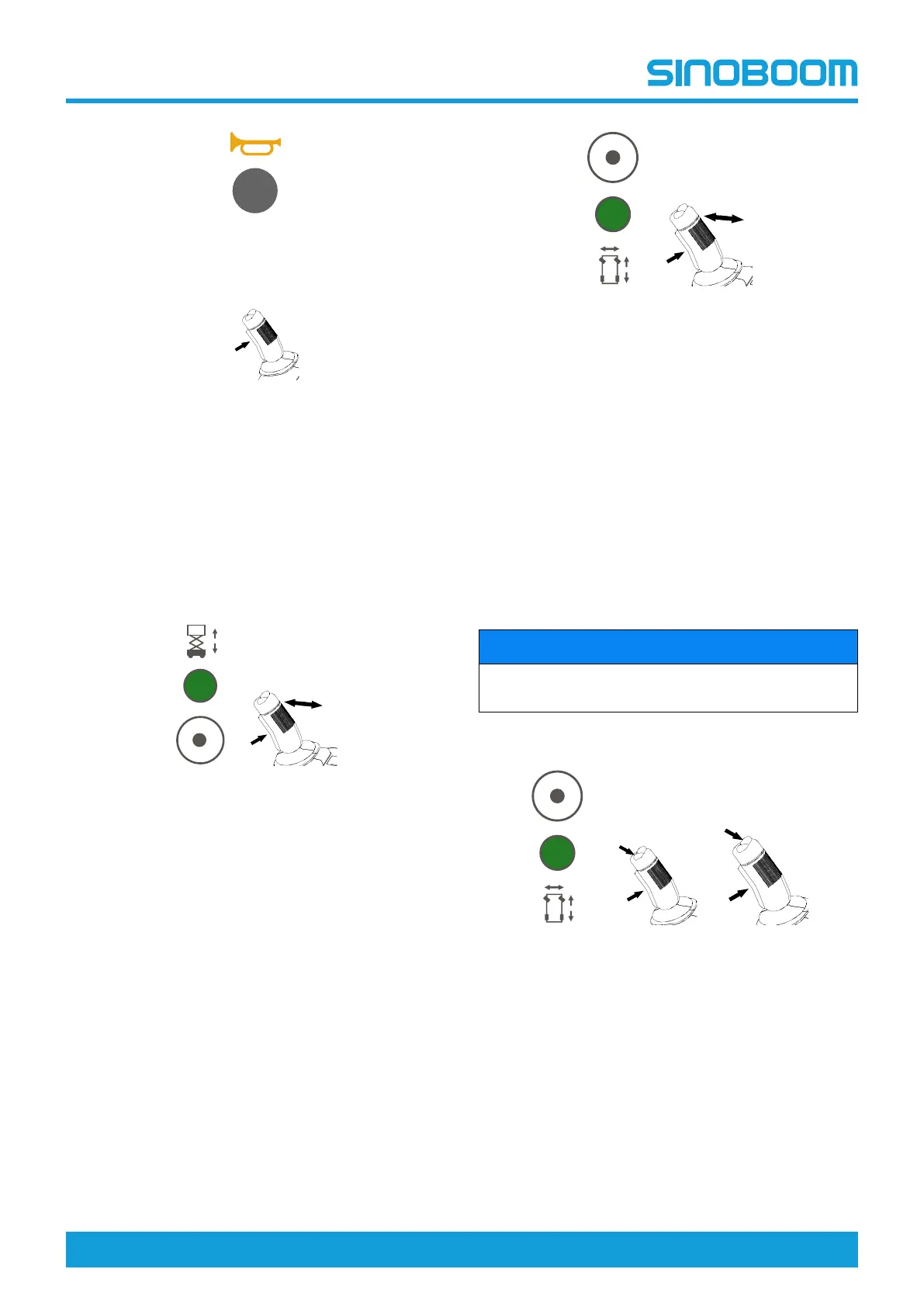
Press the horn button. The horn should sound.
Enable button
1. Test the joystick enable button.
2. With the enable button on the joystick not
pressed, directly deflect forward/backward the
joystick. The lift and drive functions should not
work.
3. Hold the enable button on the joystick and deflect
forward/backward the joystick. The corresponding
function should work.
Lift function
1. Move the lift-drive toggle switch forward to select
lift. The "lift enabled" light should illuminate.
2. Hold the enable button on the joystick and push
the joystick forward to activate the platform up
function. The platform should go up and the
pothole guard device should deploy.
3. Release the joystick. The platform should stop
rising.
4. Hold the enable button of the joystick and pull the
joystick back to activate the platform down
function. The platform should go down with the
alarm sounding.
Note: The lift/lower speed is in direct proportion to the
travel distance of joystick.
Drive and brake functions
1. Move the lift-drive toggle switch backward to
select drive. The "drive enabled" light should
illuminate.
2. Hold the enable button of the joystick and slowly
push the joystick forward until the machine begins
to drive forward, then return the joystick to the
center position. The machine should reduce
speed and then stop.
3. Hold the enable button of the joystick and slowly
pull it back until the machine begins to drive
reverse, then return the joystick to the center
position. The machine should reduce speed and
then stop.
Note: The drive speed is in direct proportion to the
travel distance of joystick.
NOTICE
The brake must be able to hold the machine at any
slope the machine is able to climb.
Steer function
1. Move the lift-drive toggle switch backward to
select drive and steer. The "drive enabled" light
should illuminate.
2. Hold the enable button on the joystick, and press
on the left side of the thumb rocker switch for
steer function, the machine should steer left.
3. Hold the enable button on the joystick, and press
on the right side of the thumb rocker switch for
steer function, the machine should steer right.
Drive high/low speed select switch









 To Next Page