Other Functions:
1. RESTART
The tracker will restart.
2. RCONF
Read the configure of tracker
Tracker will reply:
ST-902,ID: 8160528336,UP:0000,U1:,U2:,U3:,MODE:GPRS
DAILY:OFF,GEO FENCE: OFF,OVER SPEED:OFF
VOICE:ON,SHAKE
ALARM:OFF,SLEEP:OFF,APN:CMNET,,,IP:
45.112.204.245:8090,GPRSUPLOAD TIME:20
TIME ZONE: E00
ST-902: software version
ID: 8160528336 (Tracker ID)
UP: 0000 (password, default is 0000)
U1: the first control number,
U2: the second control number,
U3: the third control number.
MODE: GPRS (working mode, default is GPRS)
DAILY: OFF (Daily time to report, default off)
GEO FENCE: OFF (Geo Fence, default off)
OVER SPEED: OFF (over speed, default off)
VOICE: ON (Call mode, default on)
SHAKE ALARM: OFF (Shock Alarm, default off)
SLEEP MODE: OFF (sleep mode, default off)
APN: CMNET,,, (APN, default is CMNET)
IP:45.112.204.245:8090 (The IP and Port)
GPRS UPLOAD TIME:20 (time interval)
TIME ZONE: E00 (Time zone, default is +0)
File Downloads
User Manual
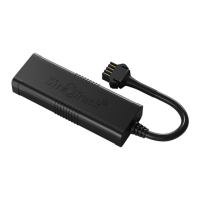
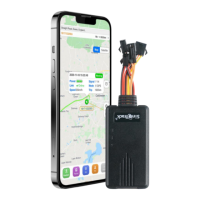
GPS Tracker With Read data from OBD Port, ST-902
Download [optimized]
Download
References
Loading...
Loading...



 To Next Page