Sinterit Lisa PRO USER MANUAL (short version) | 15
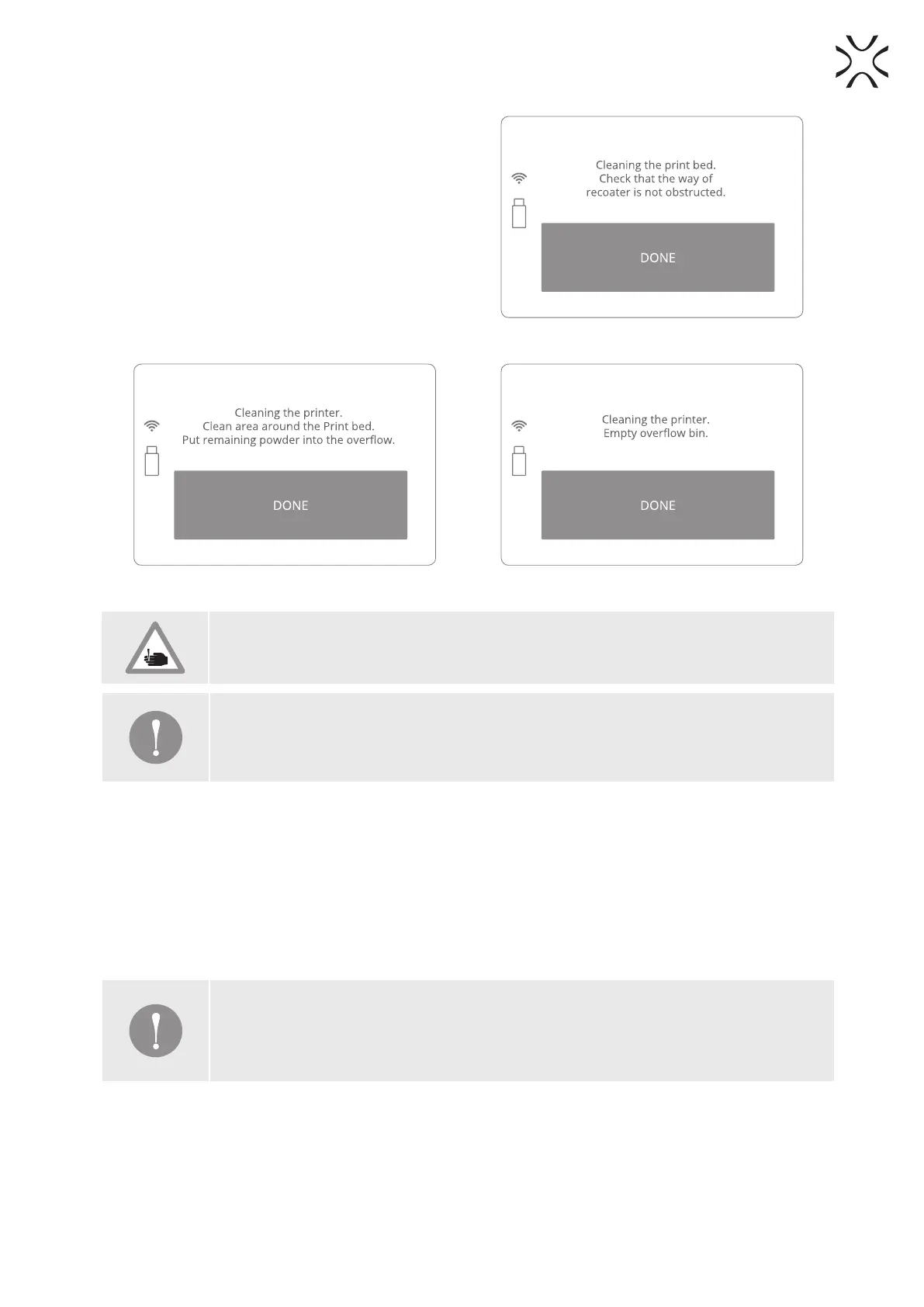
14. Remove the powder from the OVERFLOW BIN.
Transfer it to the container in which you will mix
the unsintered powder from the printer, with the
FRESH POWDER (to refresh the used powder and
prepare it for the next print).
15. Place the OVERFLOW BIN back in its place.
16. Once the OVERFLOW BIN has been emptied,
conrm by clicking DONE and close the lid
(Image 43).
Image 41. Clean PRINT BED screen 3.
Image 42. Clean the PRINT BED screen 4. Image 43. Clean the OVERFLOW BIN screen.
CAUTION!
Beware of sharp edges.
IMPORTANT!
If any of the heathers was touched by hand, remove it, clean it and install one more time,
using gloves or a clean cloth.
7. Technical support
The latest information, technical support, and dierent versions of the manuals are available in the Support tab
at the Sinterit Sp.z.o.o. website or by contacting through:
• email: contact@sinterit.com
• phone: +48 570 967 860
The list of distributors and technical support in specic countries can be found at www.sinterit.com
IMPORTANT!
More informations, f.ex. about nitrogen chamber, working with powders, etc. you can nd
in the full version of LISA PRO USER MANUAL. It is strongly recommend to read the full
version before taking any action.



 To Next Page