Sinterit Lisa PRO USER MANUAL (short version) | 13
8. After the PRINT BED is ready to remove its content, the information about refreshing the remaining
unsintered powder will appear. The quantity of FRESH POWDER (for PA11, PA12) needed to be added for the
next print will be displayed on the screen.
9. Next, the system will guide you through printer cleaning process. It will allow to recover all of the remaining
unsintered powder.
IMPORTANT!
• Always pay attention to the messages displayed on the LCD panel. Not acting according
to the messages may result in the following print being incorrect.
• The Sinterit STUDIO 2019 software calculates the amount of FRESH POWDER, which
needs to be added to that recovered from the printer.
• Even if you do not intend to make a following print right after the previous one, mix both
powders immediately after recovering the unsintered powder from the printer in the
proportions given by the Sinterit STUDIO 2019 software. Store it in a container for the
PRINT READY POWDER.
6. Cleaning the printer
The system will guide you through the process of cleaning the printer right after printing. You can also do it later,
by using CLEAN PRINTER option displayed in main menu. All actions should be conrmed by pressing the DONE
button.
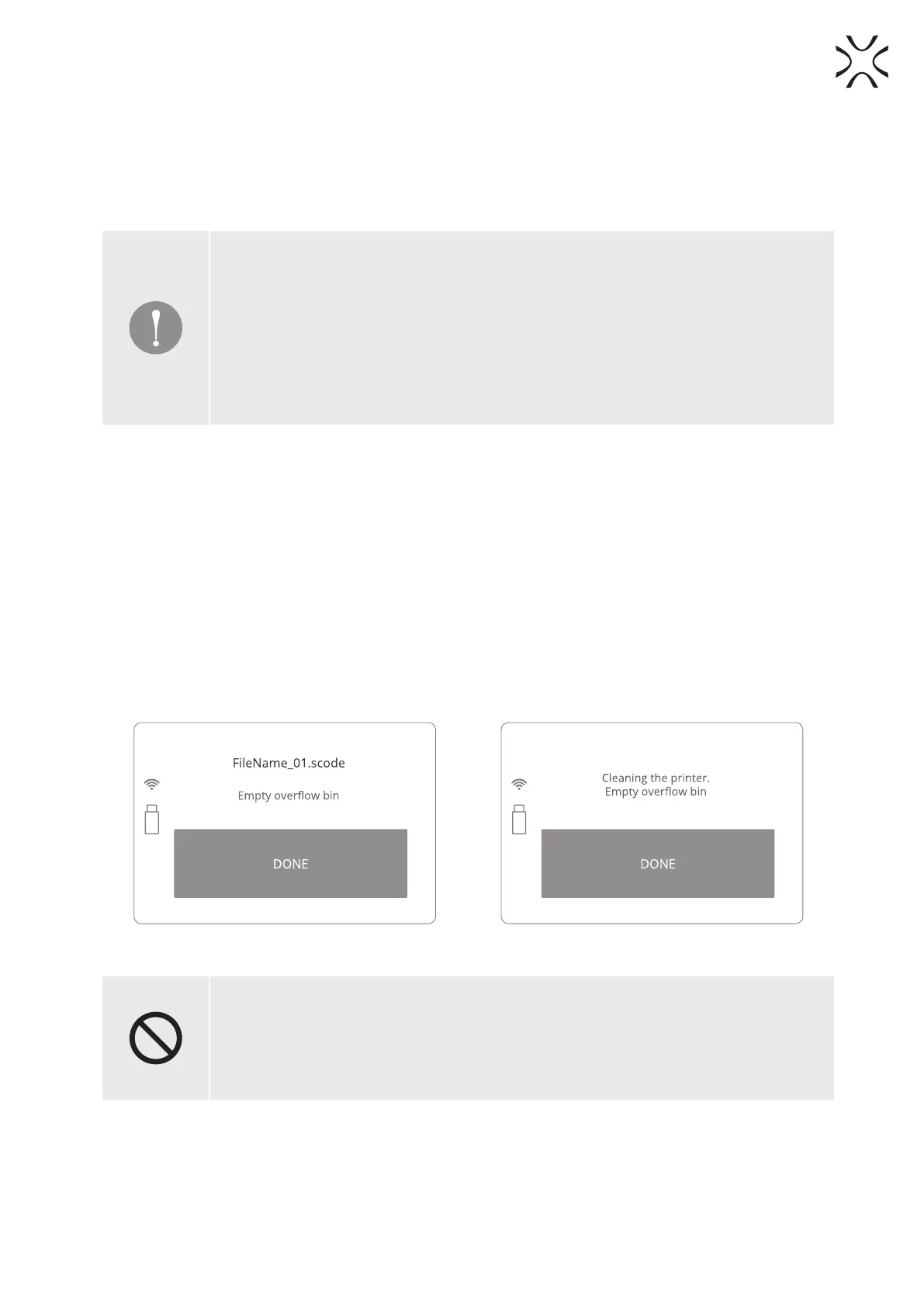
1. Remove the unsintered powder from the OVERFLOW BIN. Place the OVERFLOW BIN back in its place.
2. Transfer it to the container in which it will be mixed with the FRESH POWDER (to refresh the used powder
and prepare it for the next print).
3. Remove and clean the LASER PROTECTIVE GLASS. It is recommended to clean the glass before and after each
print. In order to clean the glass, follow the instructions in the “Maintenance and service of the Sinterit LISA
PRO Printer”, section 11 – available in the full version of the manual.
4. Place the glass back in its place and then conrm all actions by pressing the DONE button.
Image 34. OVERFLOW BIN cleaning screen. Step 1. Image 35. OVERFLOW BIN cleaning screen. Step 2.
STOP!
• Watch out for the elements of the heating system of the machine.
• Do not clean the glass under running water.
• The cleaning process should be carried out outside of the machine.
5. FEED BED MIGHT NOT HAVE BEEN CLEANED AFTER LAST PRINT message will appear.
6. After cleaning the FEED BED conrm it by pressing CLEAN FEED BED button. The FEED BED will be raised and
the PRINT BED will be lowered.



 To Next Page