58 35 595 D 3329
44 D 3329.201.01.20.02 02.2009
7 Maintenance Sirona Dental Systems GmbH
Milling instruments Operating Instructions CEREC 3
Fig. 7-2 a defective milling instrument
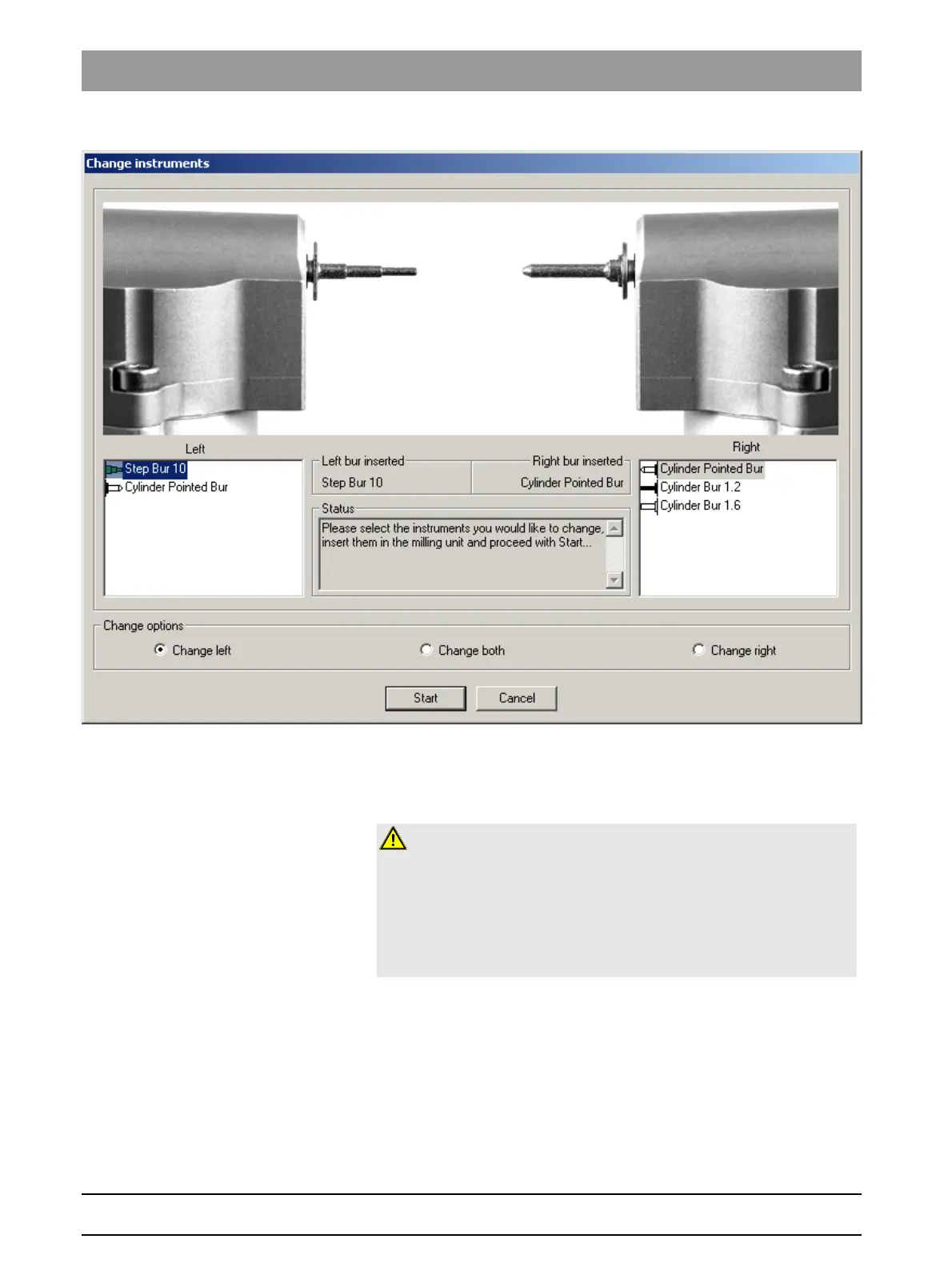
3. Select the milling instrument(s) you have inserted on the PC and click
"Start" (also refer to Operator's Manual).
Changing defective milling instruments (burs)
Changing a defective milling
instrument
If a milling instrument breaks during a milling operation, the corresponding
motor travels to the change position. A dialog box which marks the side with
the broken milling instrument with a red cross then opens.
9 The milling instrument is broken.
1. Change the defective milling instrument as described above.
2. Select the milling instrument which you have inserted.
3. Press the "Start" button.
CAUTION: Cleaning cooling water nozzles
The cooling water nozzles in the milling chamber always must be kept free of
lime and milling dust deposits. The corresponding cooling water jet always
must strike the milling instrument accurately!
9 The cooling water nozzles are dirty.
¾ Clean the nozzles with a cleaning wire and the SPRAYVIT syringe (if
available).















 To Next Page