7
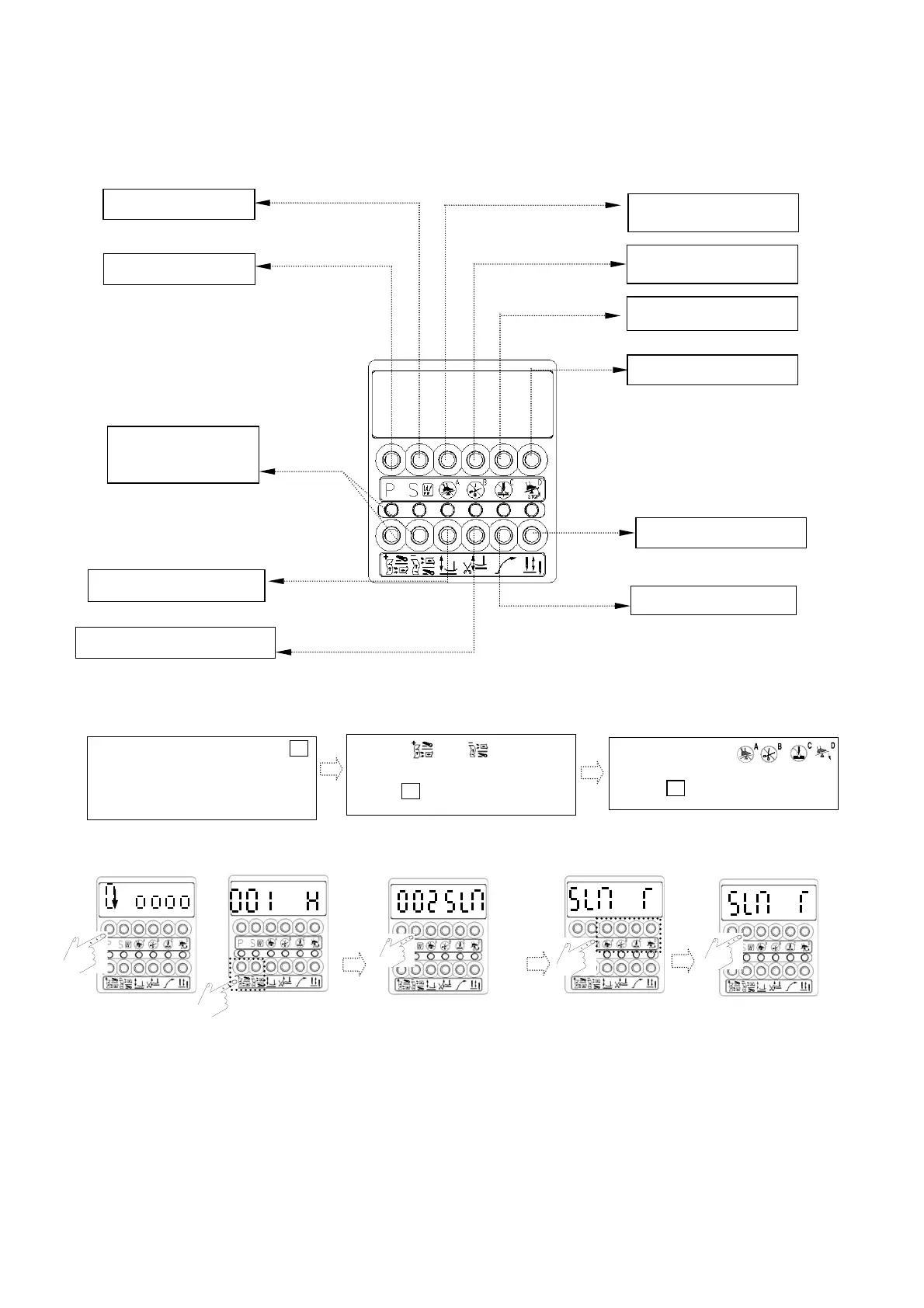
b. Press or to get the
parameter needed. e.g.;【002 SLM】
c. Press to enter【parameter value】
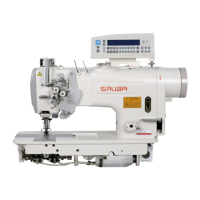
5. Programmable 7-segment Display:
(1). Key functions in the【Normal Mode】on a interlock stitch machine:
(2). How to access【Parameter Mode A】:(Available parameter codes: 1 ~ 46 )
a. Under 【Normal mode】 press
P
key will take you into the first
parameter code【001.H】of
【Mode A】.
d. In this area, press
key to make value adjustment.
e. Press key to save the value.
S
Enter Value area
Parameter saving
Cancel Half Heeling
Cancel Trimmer
Cancel Wiper
Start Constant Stitch Sewing
Parameter increase
and decrease
Presser foot lift auto at neutral
Presser foot lift auto after trimming
Slow start
Needle up/down setting
.
.
.
.
.
S


 To Next Page