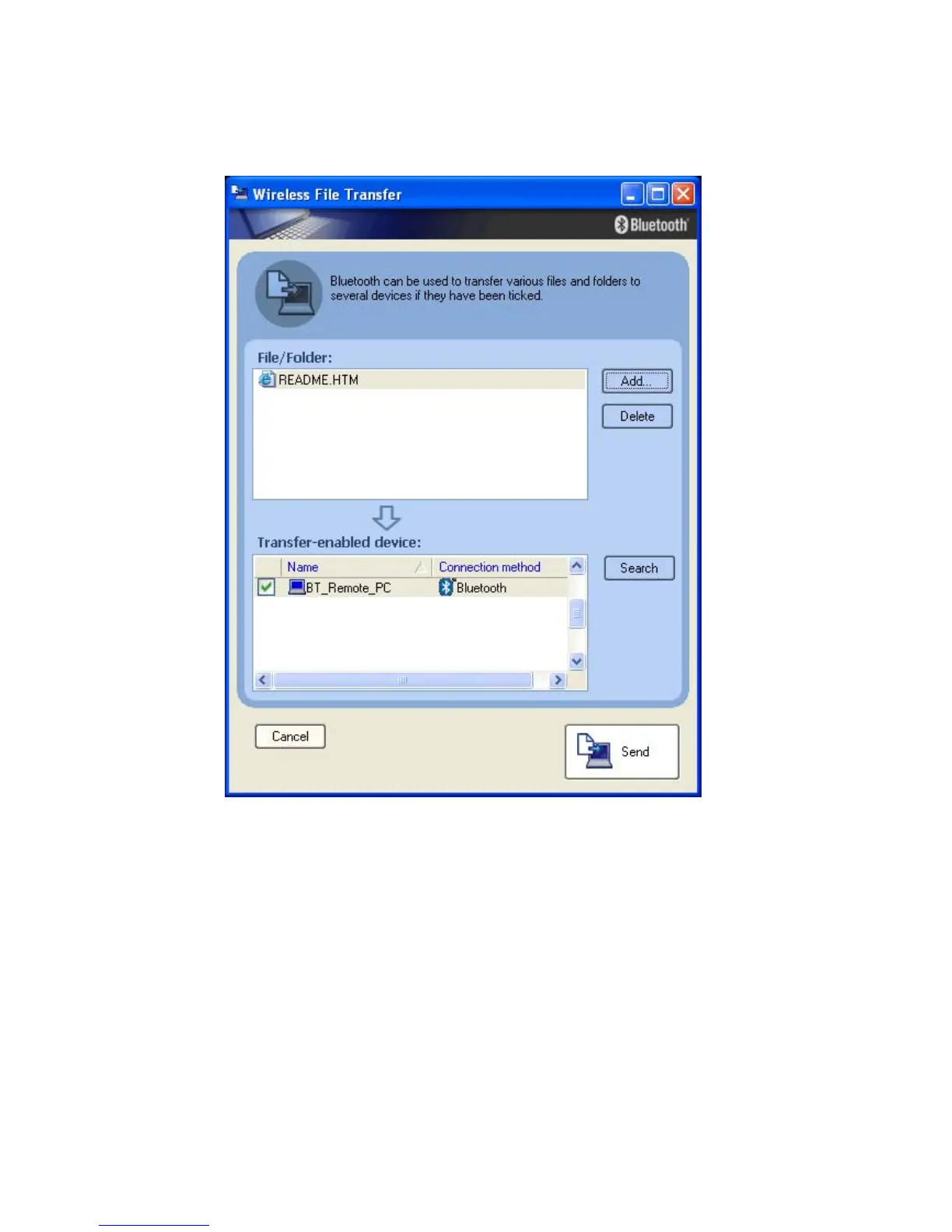
• After device discovery, select the Bluetooth™ devices to which you want to
send the file. You can also add more than one File or Folder to the list.
Finally click ‘Send’ and the Files/Folders will be transferred to the selected
Bluetooth™ devices.
Note:
When sending files, a message requesting permission to receive the files
may appear on the destination (receiving) device. The content of the
message will vary with the Bluetooth™ software installed. Please be sure
to follow the instructions provided.
Copyright © 2005 Toshiba Corporation
All rights reserved



 To Next Page