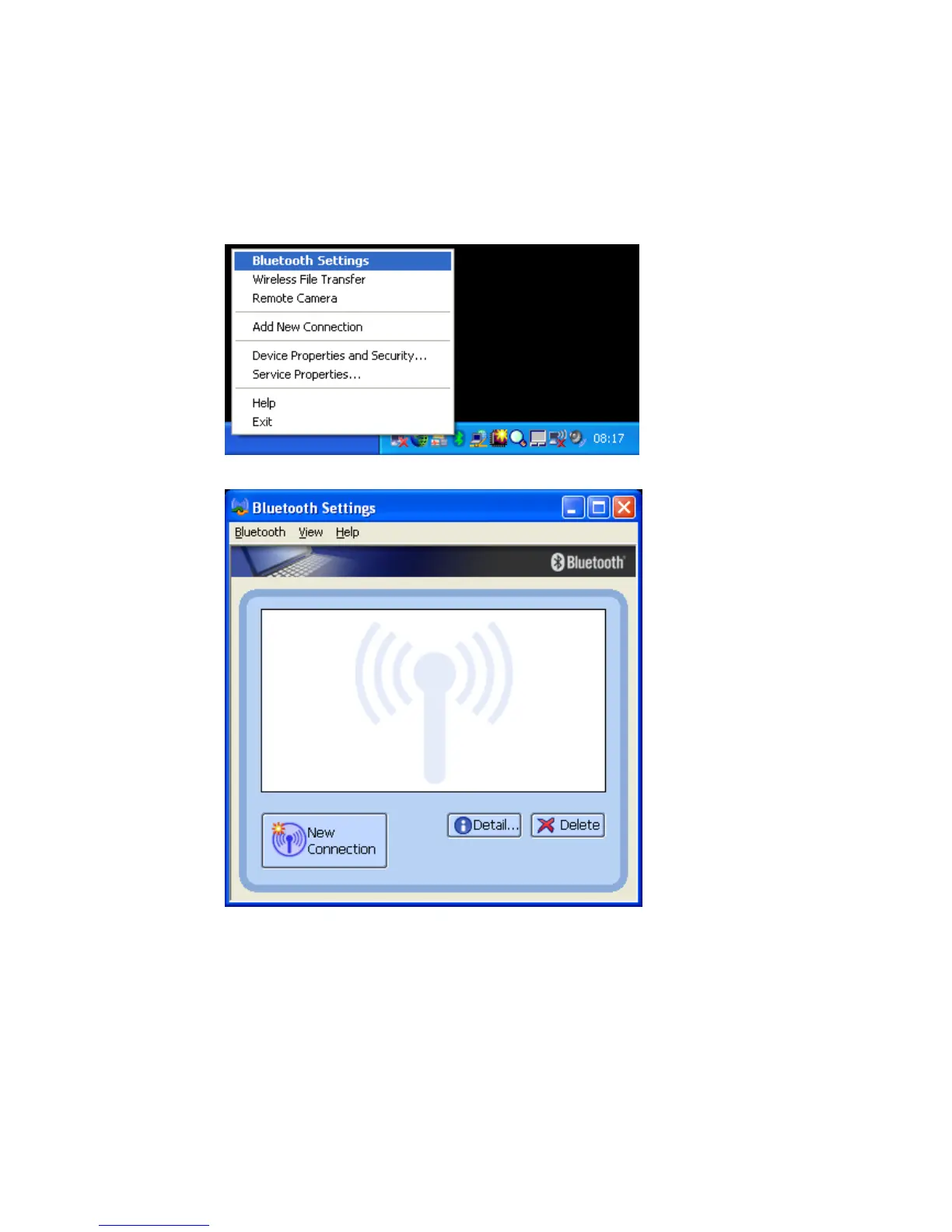
7. Bluetooth Settings
• Launch the ‘Bluetooth Settings’ application.
• Right click the Bluetooth™ ICON in the tray bar and select `Bluetooth
Settings´from the menu or launch it via the START menu.
[START]->[All Programs]->[Bluetooth]->[Bluetooth Settings]
• Bluetooth Settings application will be opened.
In the above view no connections are configured.
Copyright © 2005 Toshiba Corporation
All rights reserved



 To Next Page