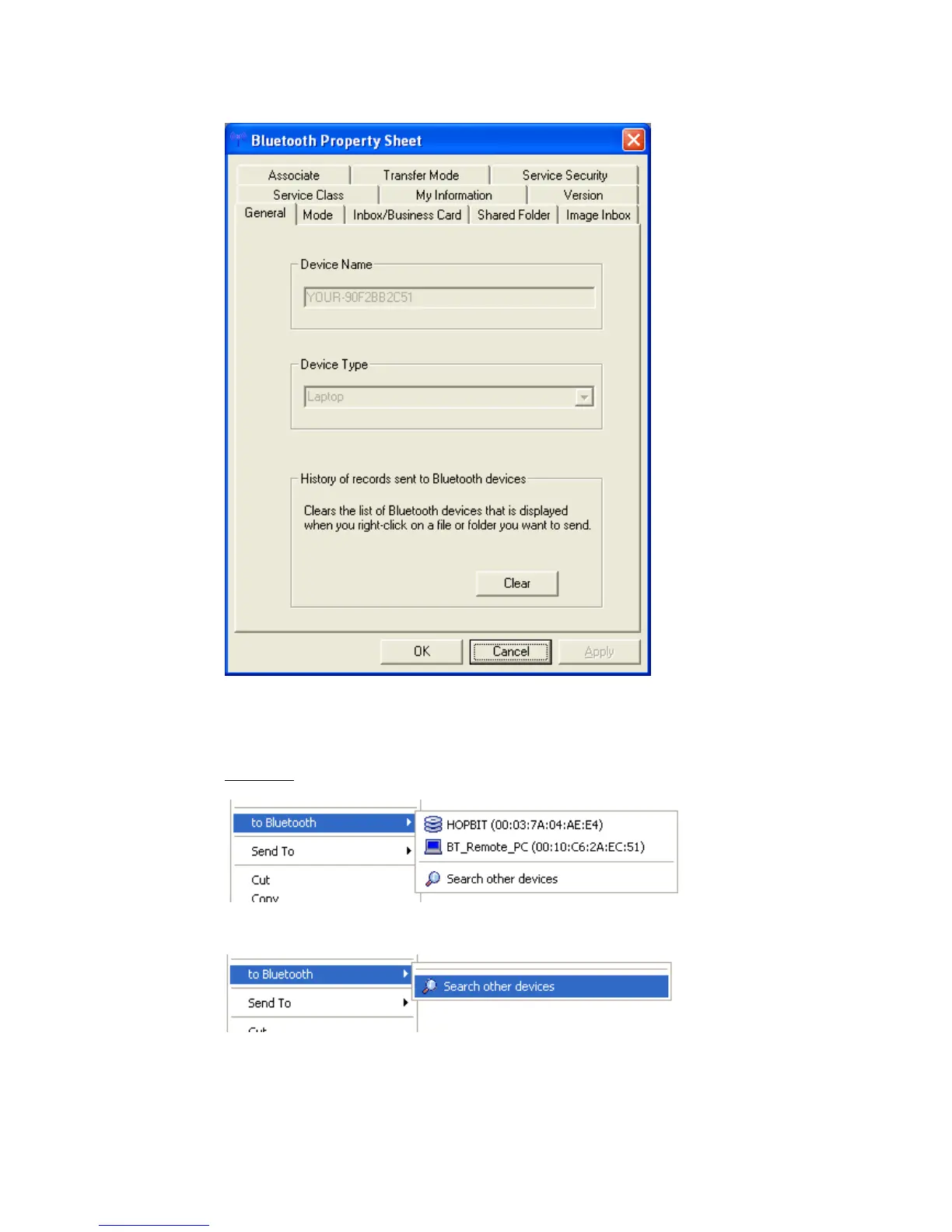
• “General” shows the Device Name and the Device Type (Class of Device).
To clear the list of the most recently used Bluetooth™ devices click the
‘Clear’ button. The device list in the example below appears after right
clicking on any file or folder.
Example:
You have two devices in the list...
...and after clearing the mru-list you there are no device.
Copyright © 2005 Toshiba Corporation
All rights reserved



 To Next Page