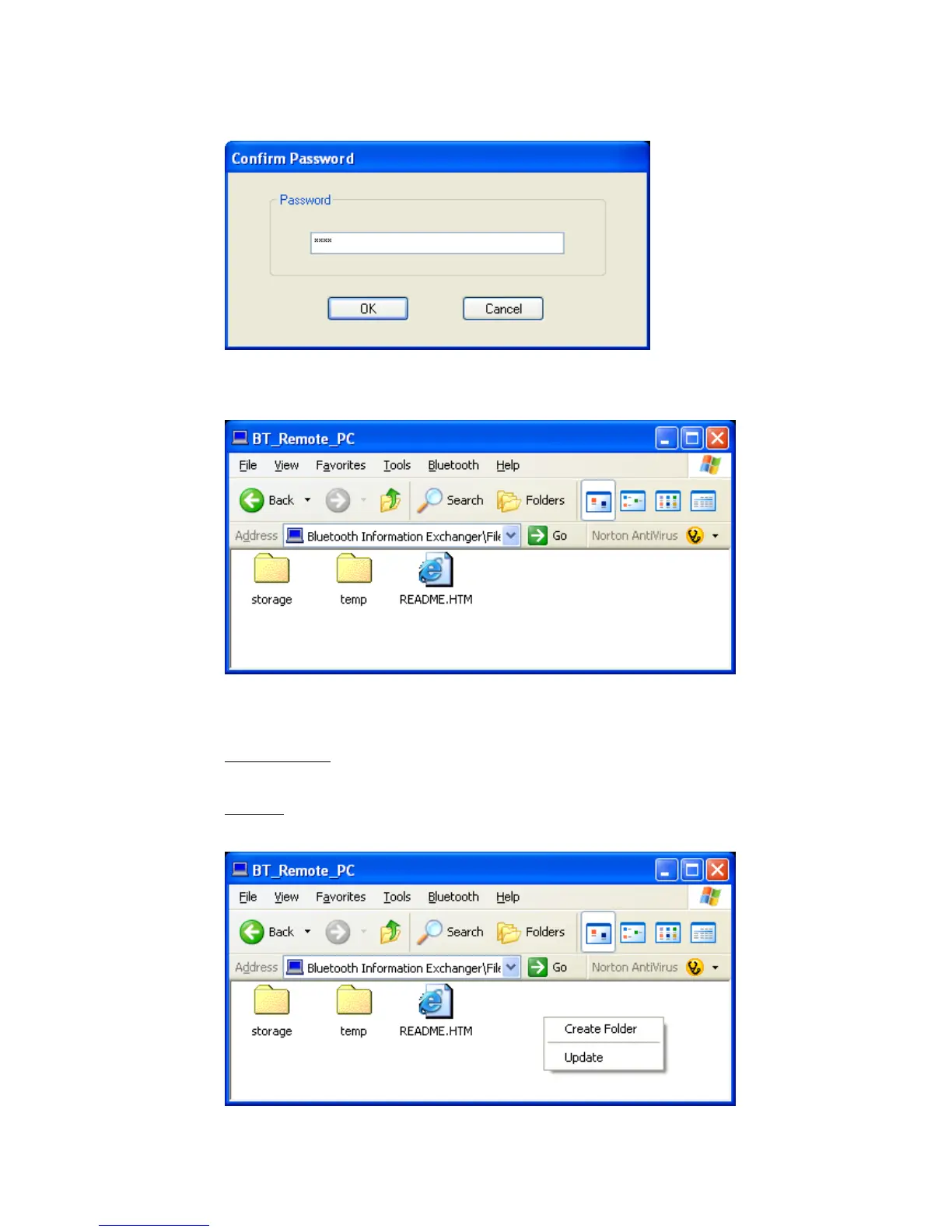
• If an OBEX password is set on the remote device please enter the correct
password.
• You will get a list of all files and folders of the remote device.
Drag’n Drop operations with files and folder to/from this window are
supported.
• Right click in this window will display a context menu with the following
entries:
Create Folder:
A new Folder can be created on the remote device.
Update:
Directory view will be refreshed.
Copyright © 2005 Toshiba Corporation
All rights reserved



 To Next Page