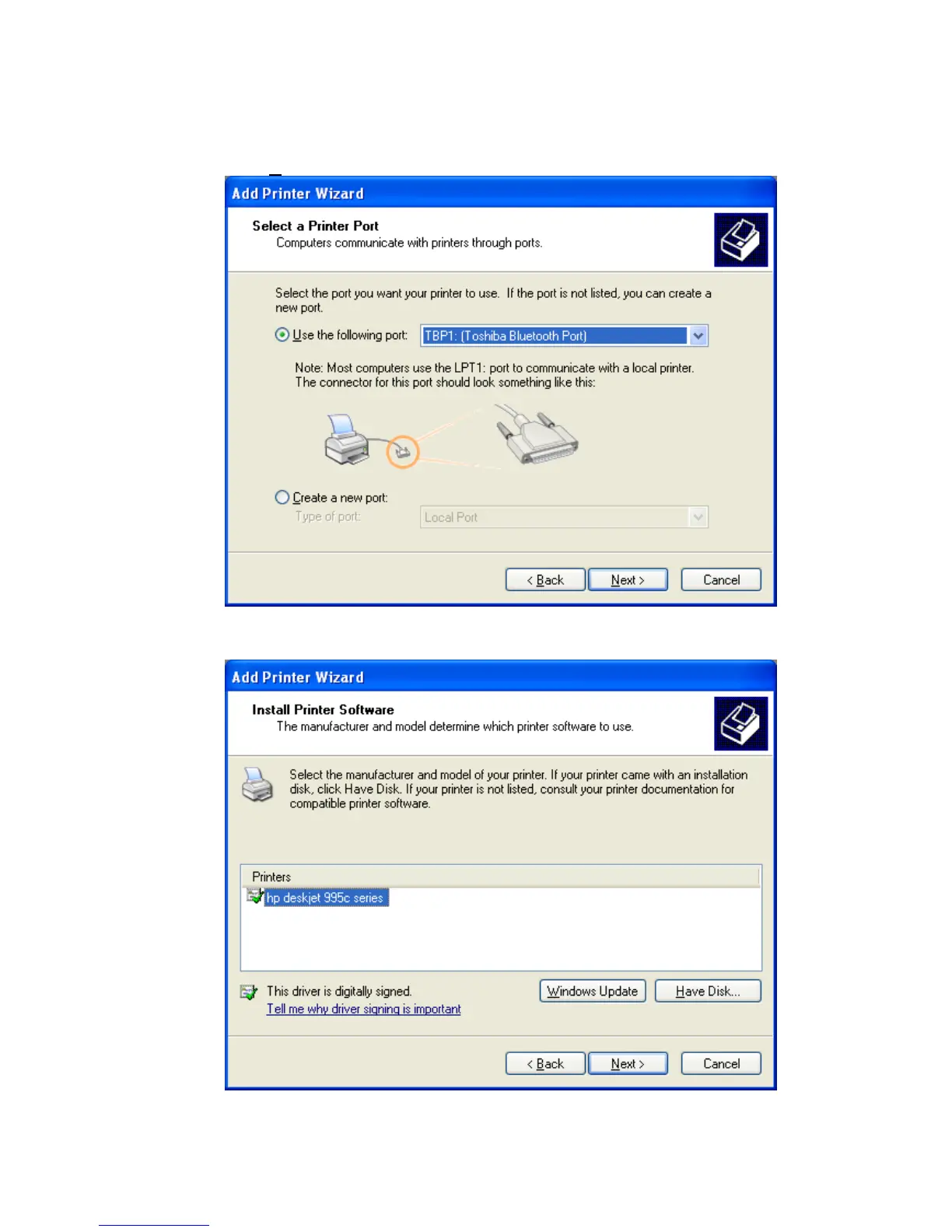
• Now you can choose a printer port. Which you select does not matter,
because the Bluetooth™ connection wizard automatically assigns the
correct port during the connection configuration.
Click ‘N
ext’ on this window to proceed.
• Choose the correct driver for your printer. You may have to specify the
location where the printer driver is located.
Copyright © 2005 Toshiba Corporation
All rights reserved



 To Next Page