Connect:
Establishes a Bluetooth™ connection to the selected device.
Disconnect:
Disconnects an existing Bluetooth™ connection to the selected device.
Delete:
Deletes the selected connection ICON.
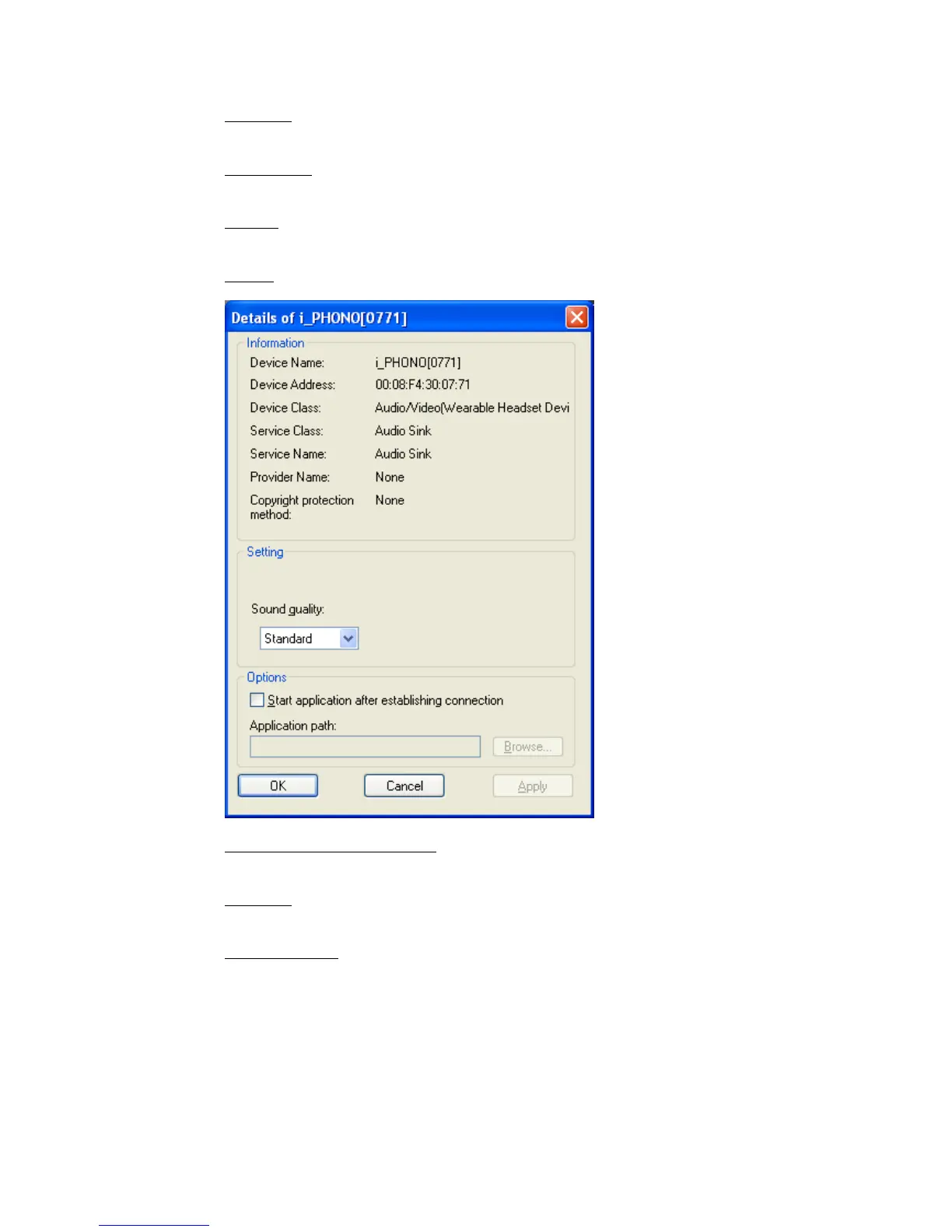
Detail:
Shows detailed information of the selected connection.
Create Shortcut on Desktop:
Creates a shortcut of the selected connection ICON on the desktop.
Rename:
Renames the selected connection ICON.
Change ICONs:
Assigns a different ICON to the selected connection.
Copyright © 2005 Toshiba Corporation
All rights reserved



 To Next Page