Create Shortcut on Desktop:
Creates a shortcut of the selected connection ICON on the desktop.
Rename:
Renames the selected connection ICON.
Change ICONs:
Assigns a different ICON to the selected connection.
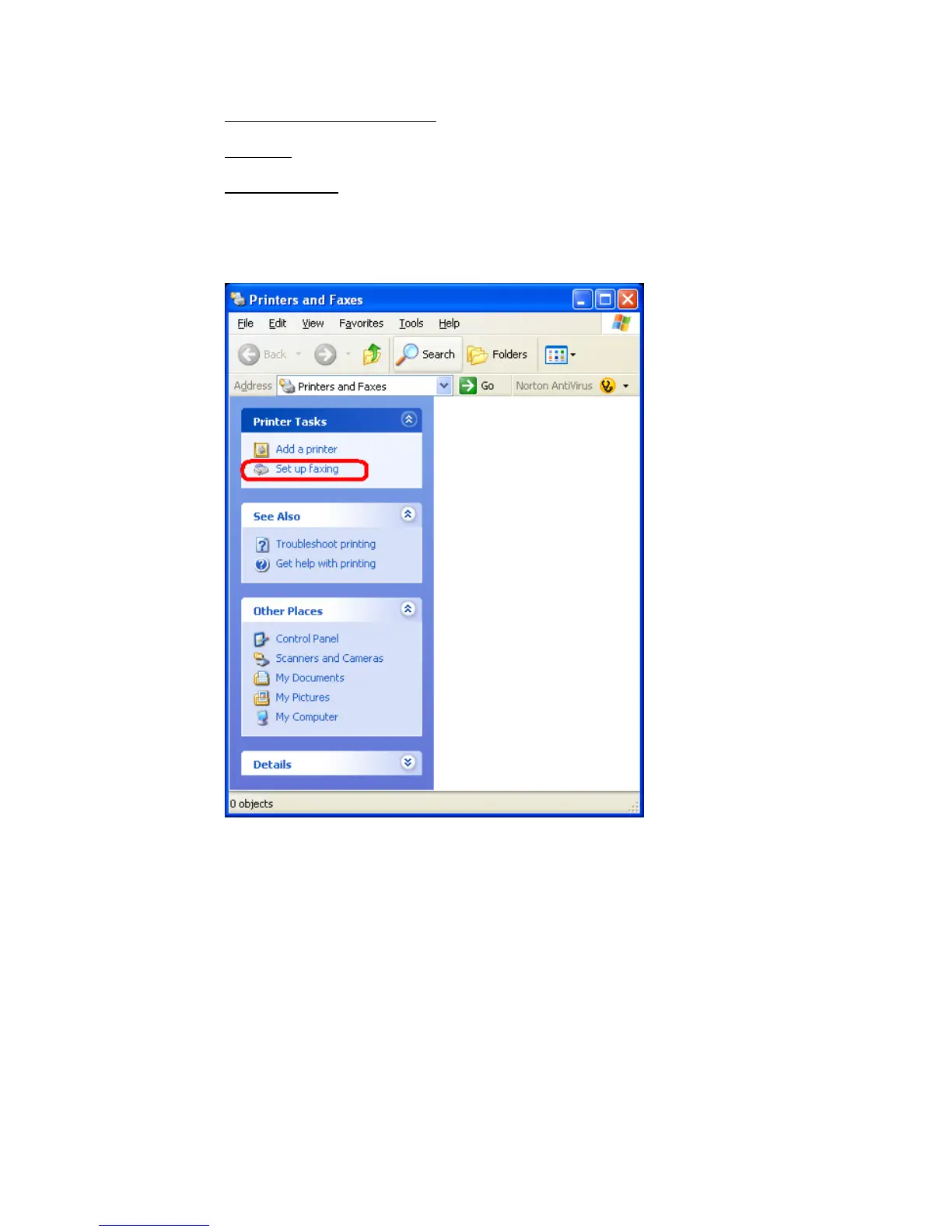
• You have to enable fax cababilities in Windows.
Open the Printers and Faxes view: [START]-[Printers and Faxes]
Then click “Set up faxing” to install the fax service.
Copyright © 2005 Toshiba Corporation
All rights reserved



 To Next Page