107
User Setting
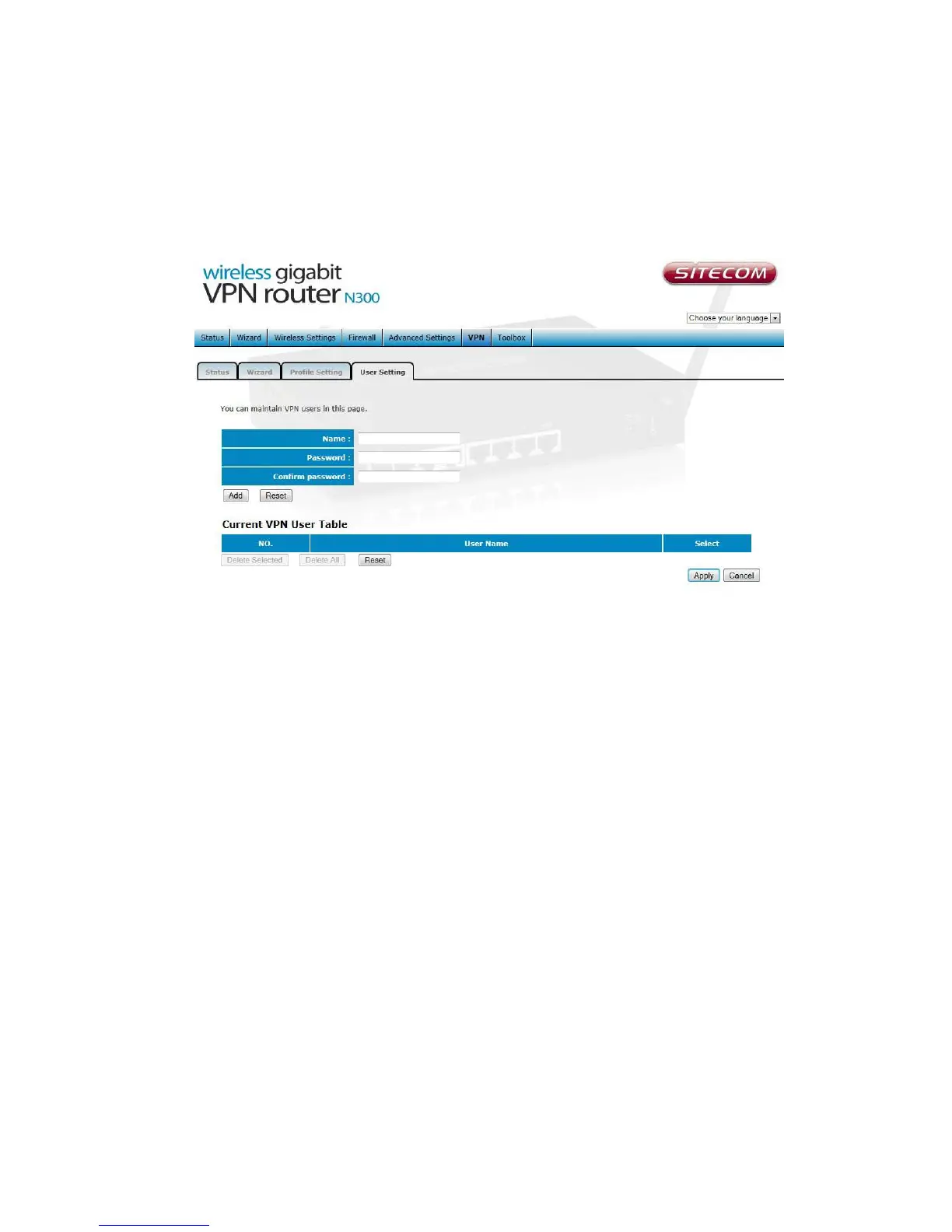
This page allows you to maintain VPN users.
Add a user Enter the desired name and password, for verification the password
has to be entered twice. Click ‘Add’ to add the user to the current VPN user table
Reset This button will clear all values from the input boxes.
Current VPN user table shows all existing VPN users.
Delete Selected Select a user from the table and Click Delete Selected to delete
this user.
Delete ALL This deletes all current VPN user from the current table.
Click “Apply” to save the settings and apply the changes.



 To Next Page