Login to your Router
LOGIN procedure
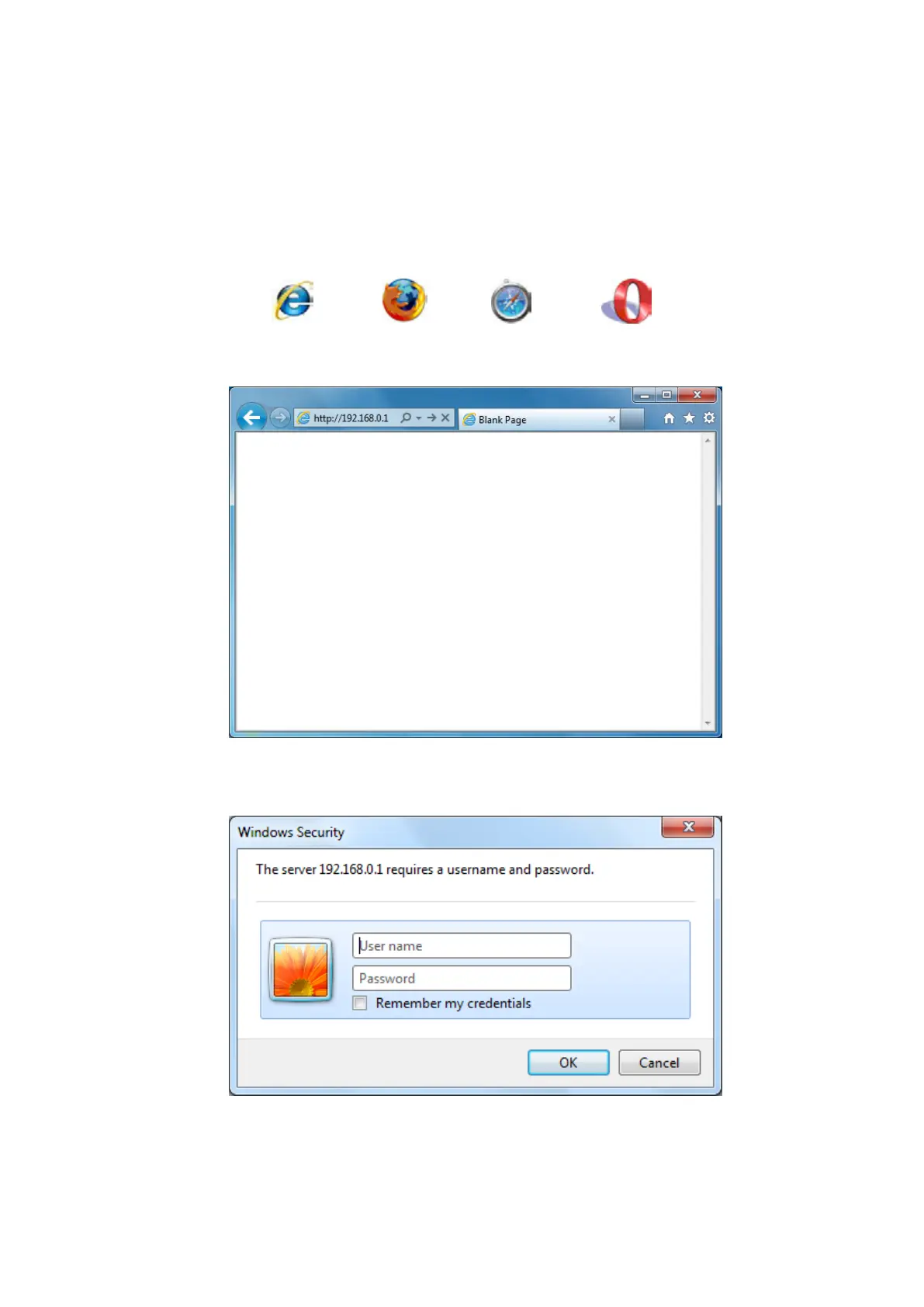
• OPEN your browser (e.g. Internet Explorer).
• Type http://sitecom.router in the address bar and press [Enter].
• Type user name and password. The default username is admin, the password can be
found on the back label on the bottom of your router.
• Click OK.
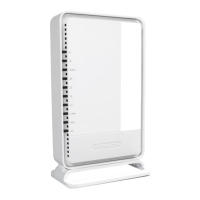
• You will see the home page of the WiFi Router X8 AC1750.



 To Next Page