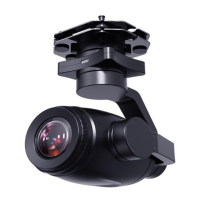
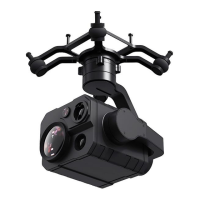
A2 mini User Manual V1.1
50
2023 SIYI Technology Co., Ltd, All Rights Reserved
Mark
You can also use MK32 Enterprise Ground Station, HM30 Full HD Image
Transmission System, or compatible third-party links for A2 mini gimbal’s firmware
upgrade.
SIYI FPV App (v2.5.12.572 or latest version)
Camera Firmware
Gimbal Firmware
Mark
About tools and firmware can be downloaded from the relevant product pages on SIYI
official website.
Firmware Upgrade Steps
1. Install the latest SIYI FPV app on your MK15 remote controller and save the
firmware files into MK15 Android system storage in advance.
2. Make sure that MK15 remote controller is communicating with the air unit and
A2 mini gimbal is already connected to the air unit.
3. Run SIYI FPV app, go to “Camera A2 mini” page.


 To Next Page