7
Infrared Light
• Infrared light can be set as Manual or Automatic based on the light sensor's
automatic on/off function. Short press "IR Cut" button to enable/disable infrared
light manually.
Storage Settings
• Built-in Memory: Files are stored in the internal memory with default loop
recording.
• TF Card: Files are stored on the external memory card with default loop
recording.
• Auto: Default storage is in the internal memory. When the internal memory is
full, storage shifts to the TF card for continuous recording. Loop recording starts
when the external TF card is full.
Reset
• Press "Photo" and "IR Cut" simultaneously and hold for 3 seconds to reset the
camera.
Note: The camera's functions may undergo changes due to upgrades and updates;
parameters are subject to the actual product.
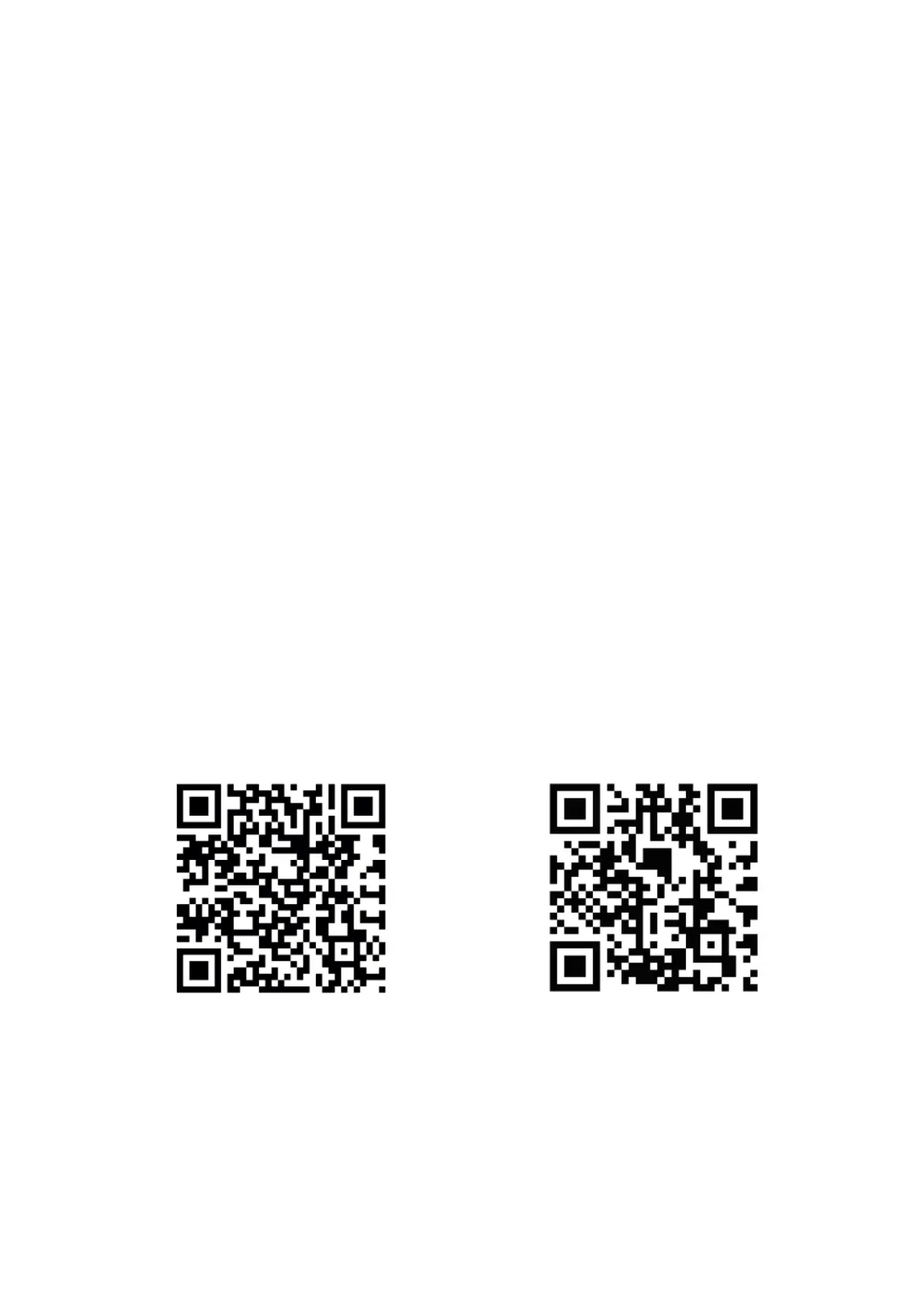
Download SJCAM Zone App
Scan the QR code on your smart phone or search for "SJCAM ZONE" in the App Store or
Google Play to download and install the App.


 To Next Page