48
COMPUTER OPERATION MANUAL
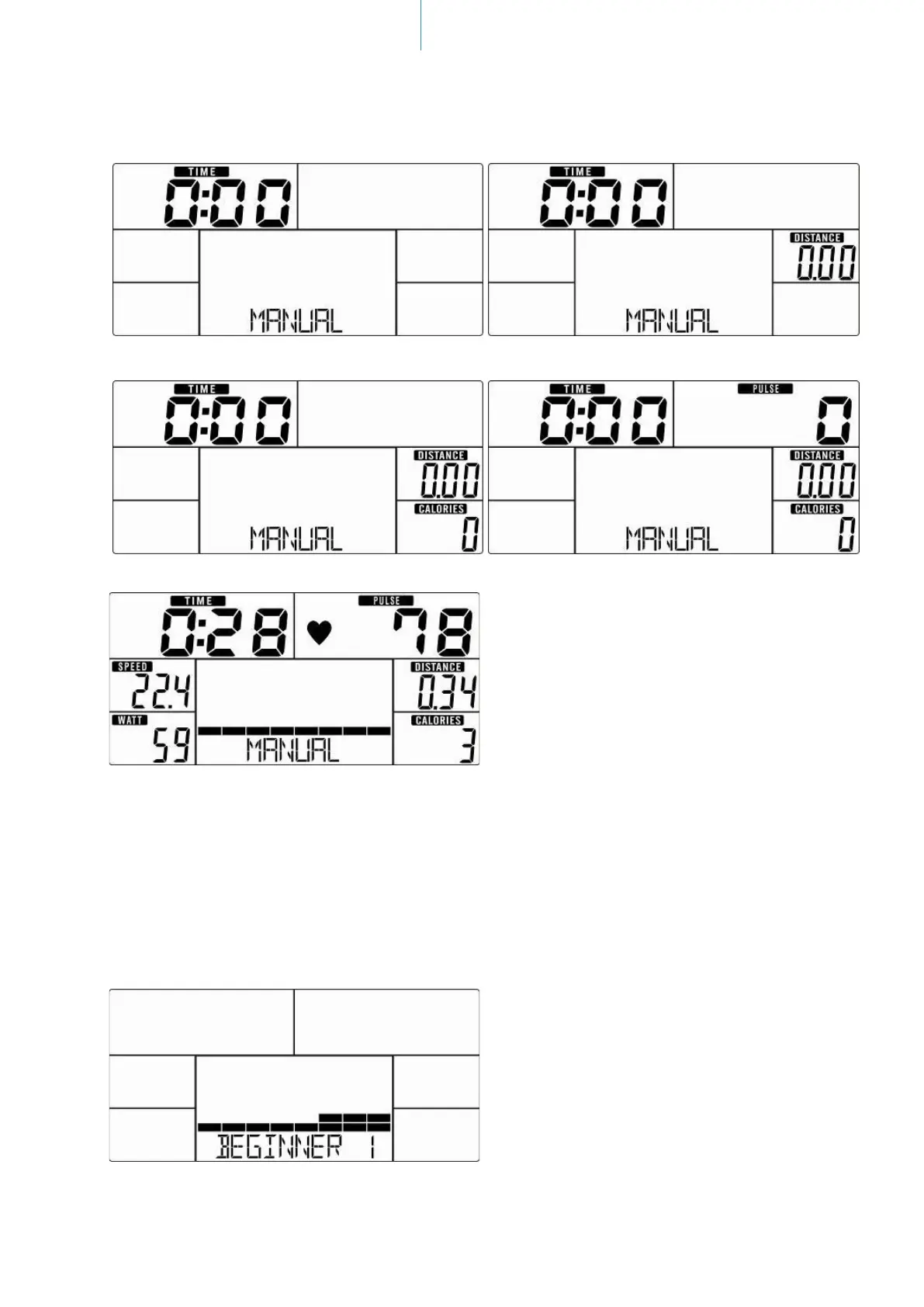
Fig. 8 Fig. 9
Fig. 10 Fig. 11
Fig. 12
Beginner Mode
Within this mode you can exercise with a program prole (preset). Mountain- and valley courses for begin-
ners: After selecting BEGINNER mode and “MODE/ENTER”-button for conrmation, „BEGINNER 1“ appears
on the display (gure 13). Choose one of the 4 programs (1 to 4) and press “MODE/ENTER” to conrm. You
may now preset a target value for “TIME” by using “UP”, “DOWN” and “MODE/ENTER”. Press “START/STOP”
to start workout. You may change the tension level at any time during exercise with “UP” and “DOWN”. To
pause your workout, press the „START/STOP “-button again. Press “RESET” to return to main menu.
Fig. 13


 To Next Page