Radio6
PDC
If your vehicle is equipped with “parking aid” and after it is activated, the distance
to the obstacle is shown on the display. The distance is shown by a column.
BEEP
Switching on or off the tone signal when storing the radio stations.
PHONE
If your vehicle is equipped with a handsfree system, the volume of the radio is auto-
matically reduced during a phone call.
ILLUM
Switch on (value 1) or switch off (value 2) illumination of the controls for the radio.
BACK
You can return to the previous level of the setting by pressing this button.
External amplifier
If you have connected an external amplifier, you can choose between six
audio effects.
– Press the button and select with the station keys between the
offered audio effects:
• LINEAR - Standard play function without special weighting, adapted to all
music types and voice play function;
• SPEECH - suppresses surrounding noises so that the voice can be clearly heard;
• ROCK - suitable for play function of rock music;
• CLASSIC - suitable for play function of classic music;
• POP - suitable for play function of pop music;
• LIVE - suitable for play function of Live concerts or recording.
Radio mode
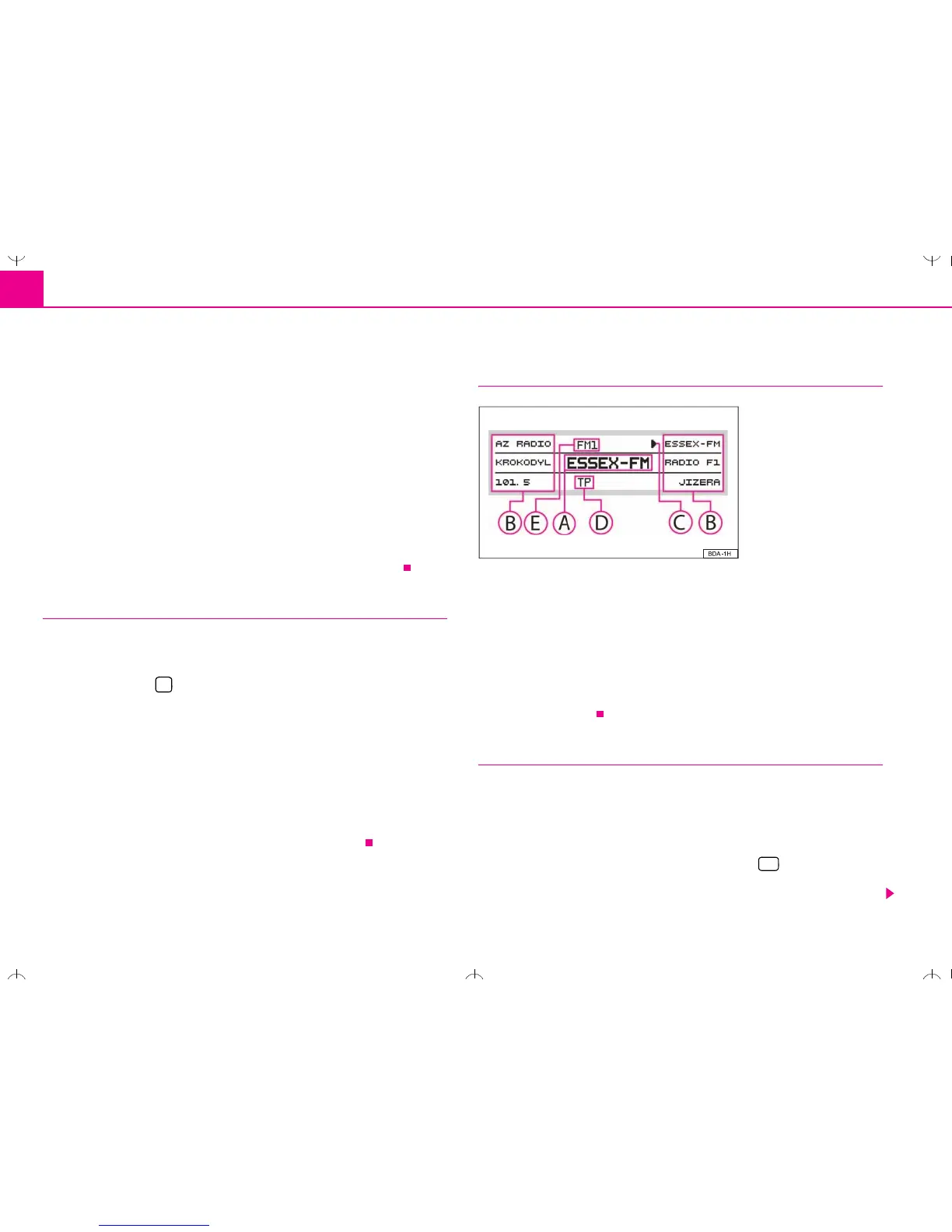
Display contents
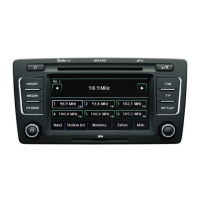
The display shows the following content:
the selected radio station (its frequency or designation);
the frequencies or the designations of the radio stations in the memory of the
radio;
the symbol points to the already selected radio station;
Activation for the reception of traffic reports;
selected waveband.
Waveband switch-over
Your radio is equipped with FM and AM wavebands. They are divided in 6 memory
levels, i.e. 3 levels for the FM waveband and 3 levels for the AM waveband. There
are each 6 memory spaces available on these levels.
Activation of the FM waveband
The FM waveband is activated when pressing the button . By pressing the
button several times, you can move between the memory levels FM1, FM2 and FM-
AS.








 To Next Page