EasyManua.ls Logo

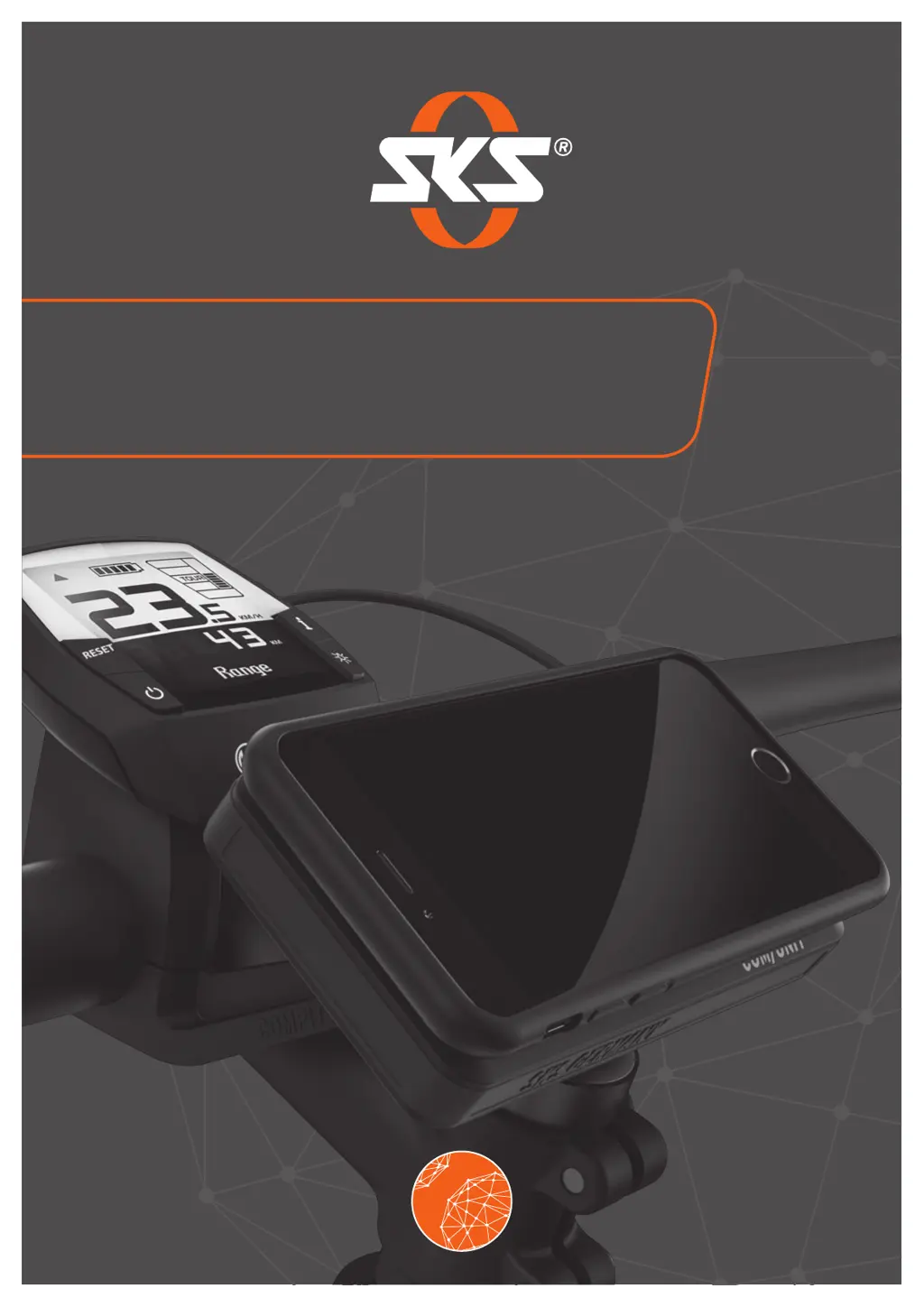
SKS Germany COMPIT/E - User Manual

Default Icon
52 pages
Print Icon
To Next Page IconTo Next Page
Loading...
GERMANY
COMPIT/E + COMPIT/E
+
INSTRUCTIONS FOR USE
LAST UPDATED 03.2019

Questions and Answers

  • P
    Peter EvansJul 30, 2025
    What to do if the blue LED on my SKS Germany Bicycle Accessories +COM/UNIT is flashing fast?
    • J
      johnsondavidJul 30, 2025
      If the blue LED on your +COM/UNIT is flashing rapidly, it indicates an error while charging your smartphone. To resolve this, remove your smartphone from the +COM/UNIT and adjust its position, ensuring it's centered on the SKS logo.

Summary

Safety Guidelines

Intended Product Use

Defines the product's purpose for private use as a smartphone holder on e-bike handlebars.

Basic Safety Precautions

Details essential safety precautions to prevent injury, fire, or electric shock.

Product Description and Scope

LED Status Indicator Guide

Explains the meaning of different LED light patterns for status indication.

Product Functions

COMPIT;E Functionality

Describes the function of the COMPIT/E as a smartphone mount on e-bike handlebars.

Technical Specifications

Mounting and Removing from Handlebar

Smartphone Mounting and Removal

Adjusting Device Inclination

Smartphone Charging via +COM;UNIT

Wireless Smartphone Charging

Guide for charging a Qi-compatible smartphone wirelessly using the +COM/UNIT.

Wired Smartphone Charging

Guide for charging a smartphone using a USB cable with the +COM/UNIT.

Using NFC Functionality

Charging via E-bike On-Board Computer

Charging the +COM;UNIT

Troubleshooting Common Issues

Warranty Terms

SKS Germany COMPIT/E Specifications

General IconGeneral
MaterialPlastic
Mounting positionHandlebar
E-bike compatibilityYes
ColorBlack
Mounting TypeHandlebar

Related product manuals