GERMANY
Charging the Smartphone via the +COM/UNIT
37
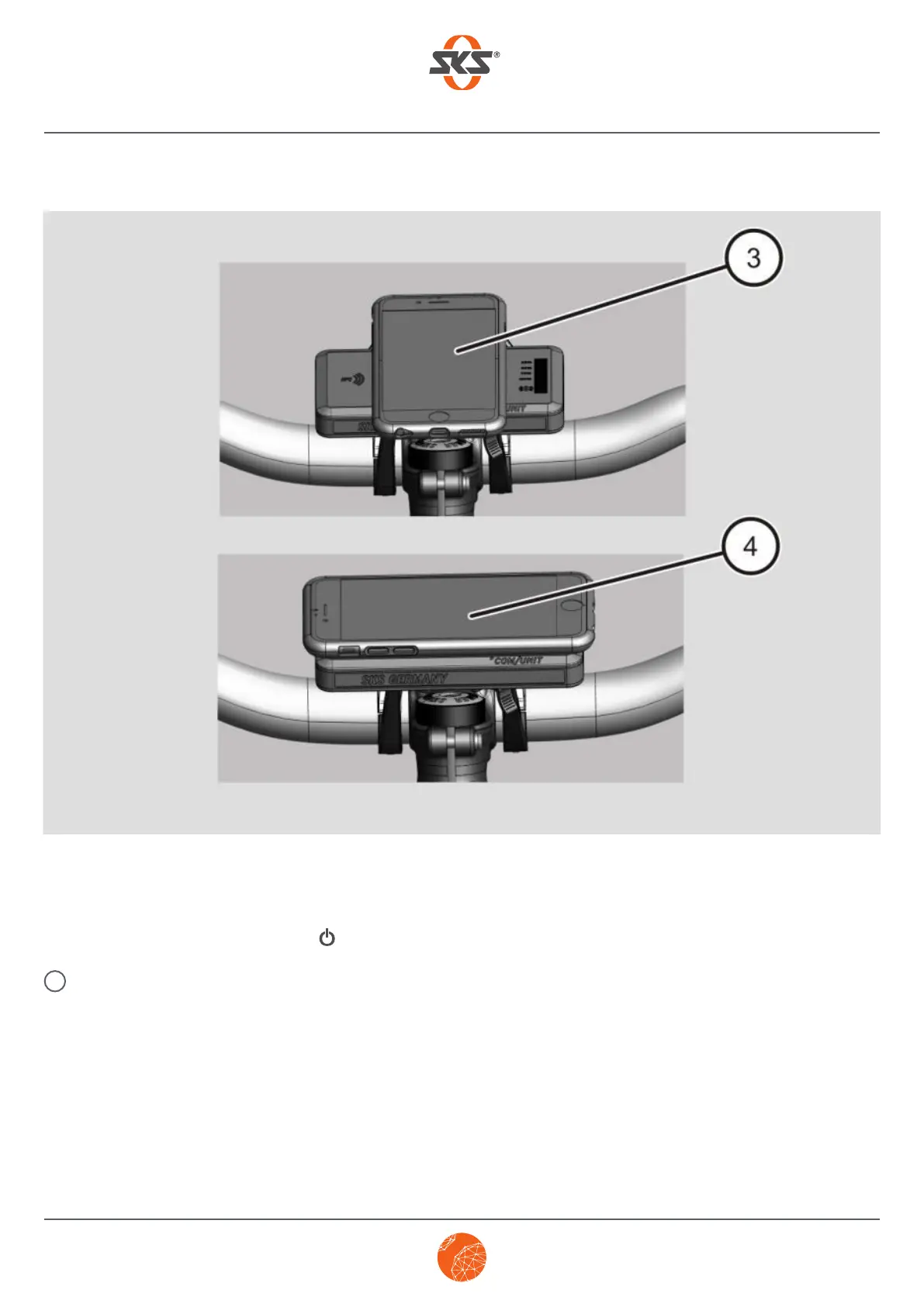
Depending on how you turn it, your smartphone is mounted vertically (3) or horizontally (4).
The bottom LED flashes blue. The smartphone is charging.
➤ To manually stop the charging process and switch off the +COM/UNIT without removing the smartphone
from the +COM/UNIT, press the button for approx. 2 seconds.
If a smartphone is not connected for charging after 30 seconds at the latest, the +COM/UNIT
switches off automatically.
i



 To Next Page