4
2.4G 3dB antenna
Toggle three-position switch/ flying mode
Thumb wheel G (no function)
Buon C (no function)
Left joystick X1. Y1
Display
Megaphone MIC
Buon A (No function)
On/O buon
Buon B (No function)
Right joystick X2. Y2
Buon D (No function)
Gimbal pitch scale control
Toggle three-position switch (no function)
Dustfree plug
SIM card slot
Type-C charging port
PPM output/serial port cable interface
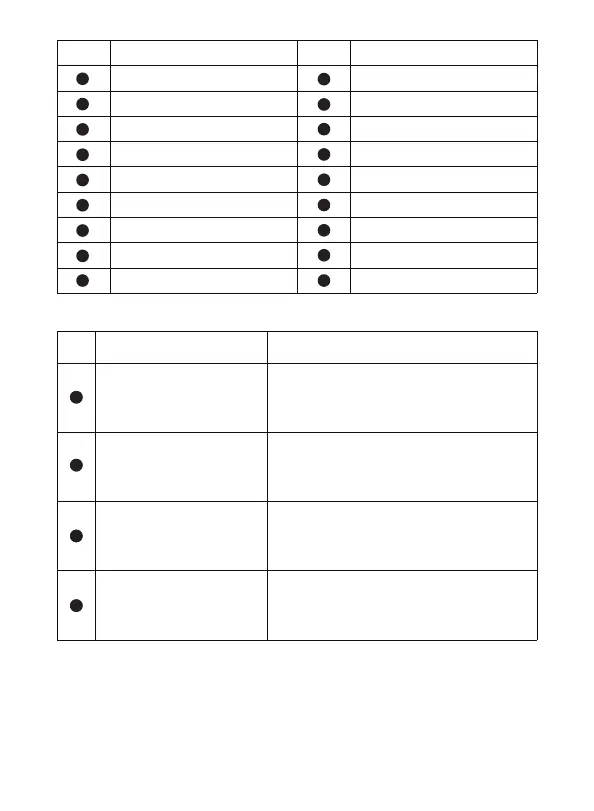
No. Annotation AnnotationNo.
2.3 Remote controller charging
The remote control is charged with a Type-C USB data cable, please see the No. 17
mark
The charging time of the remote control is about 2-4 hours. The power-on icon of
the remote control flashes when charging, and the icon goes out when it is fully
charged. The use time is around 5-8 hours after being fully charged.
2.2 Overview of the remote control functions
4
No. Buons Functions description
Throle
/steering control lever
(American mode)
-Push the joystick up and the drone rises
-Pull down the control stick and descend the drone
-Turn the control stick to the left, and the drone
rotates to the left
-Push the joystick up and the drone will move forward
-Pull down the control stick and make the drone back
-Press the control stick to the left, and the drone
flies to the left side
-Fixed height mode
-GPS mode
-Return home mode
-Control the pitch angle of the drone gimbal
Forward/backward
/side fly control lever
(American mode)
Flying mode control
Gimbal pitch control wheel
2
5
11
13
2
5
11
13
1
2
3
4
5
6
7
8
9
10
11
12
13
14
15
16
17
18


 To Next Page