31
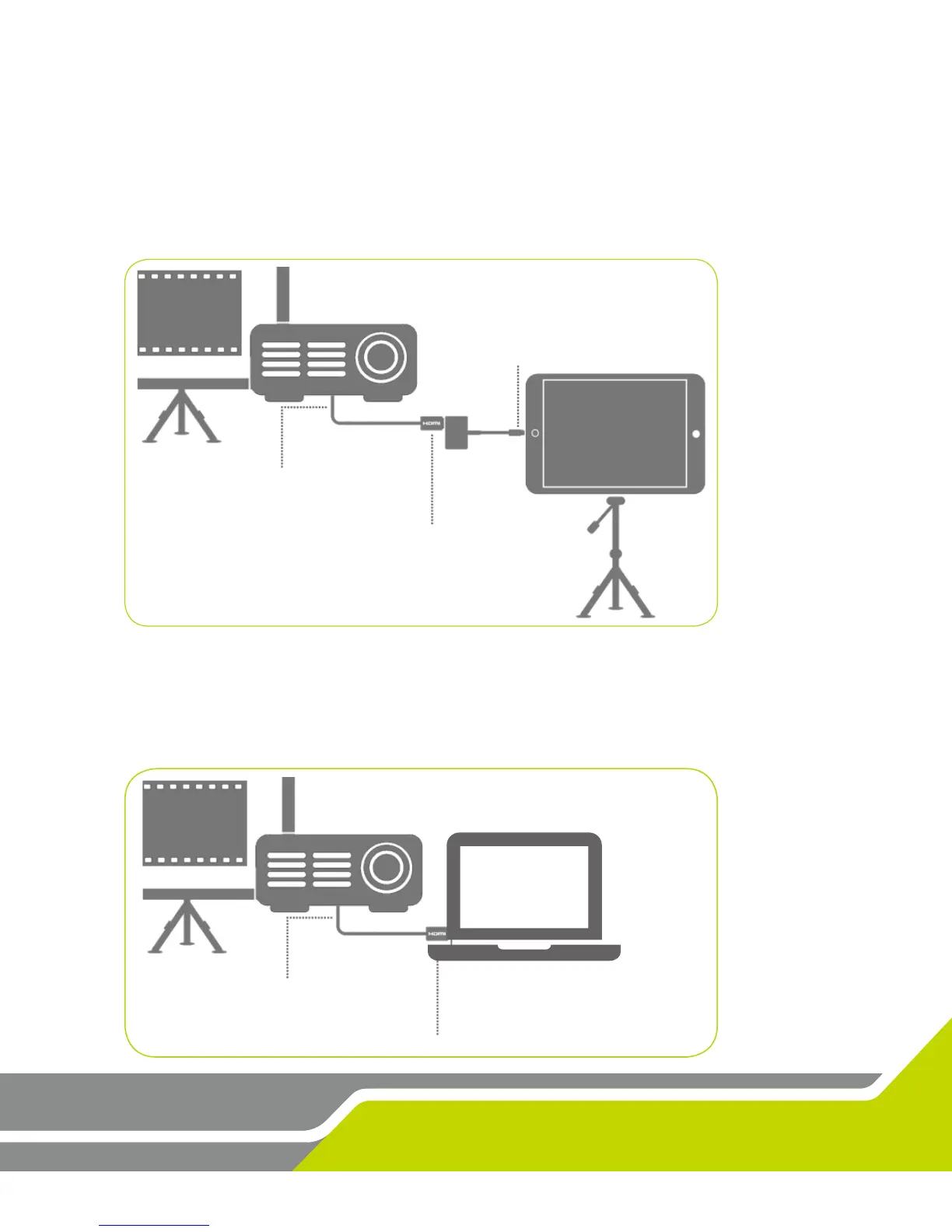
Use a Lightning Digital AV Adapter with HDMI cable to connect to your projector.
1. Connect the adapter to your iPad.
2. Connect the HDMI cable between the projector and the adapter.
ADAPTER to iPAD
Connect Lightning Digital
AV Adapter to iPad
Projector to HDMI
Connect TV to HDMI
HDMI to ADAPTER
Connect HDMI to Lightning
Digital AV Adapter
Projector to HDMI
Connect TV to HDMI
HDMI to PC
Connect HDMI to PC
Use an HDMI cable to connect to your projector.
1. Connect the HDMI cable to your computer.
2. Connect the HDMI cable to the projector.


 To Next Page
 Loading...