32
CONNECT VIA AIRPLAY
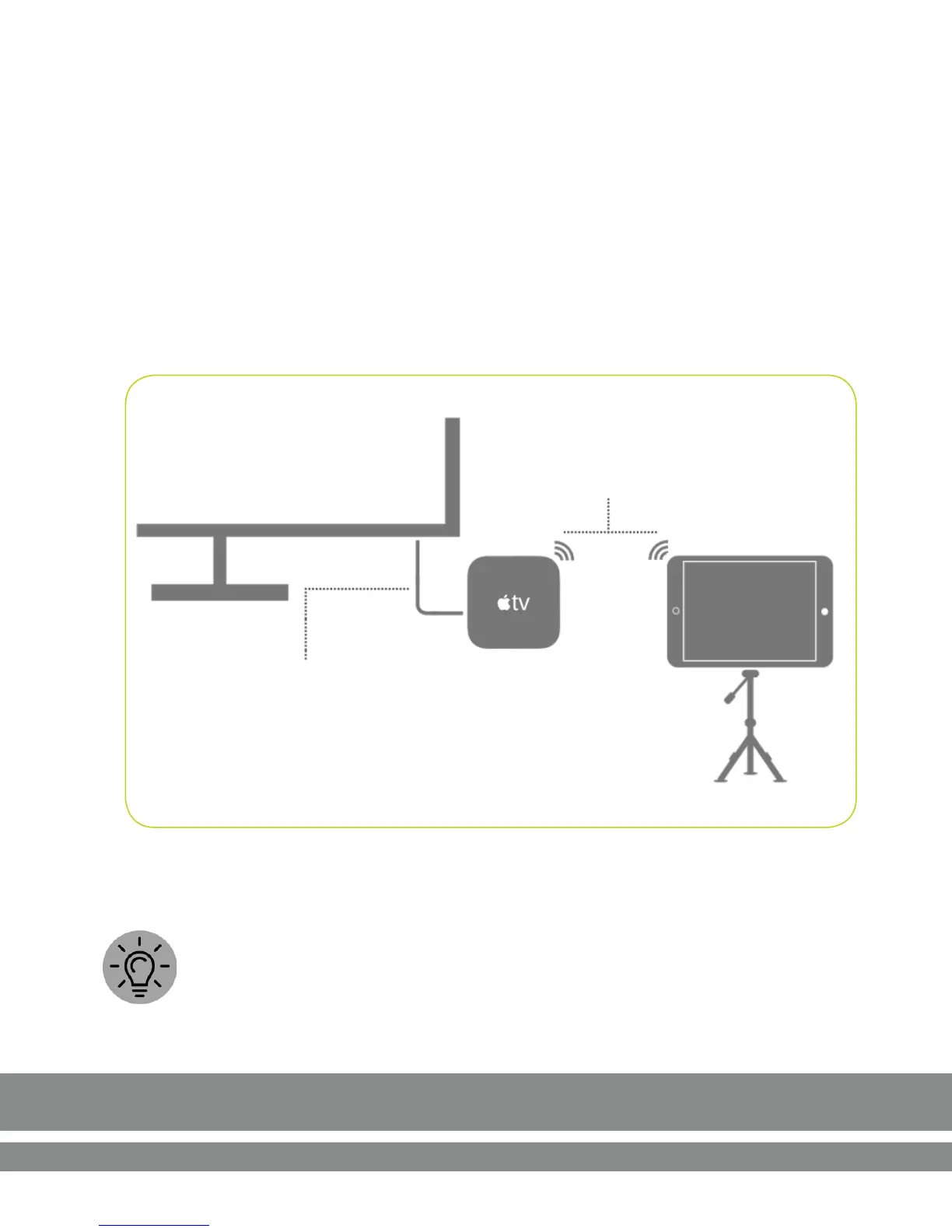
Connect iPad & Apple TV via Airplay
TV to AIRPLAY/APPLE TV
Connect an Apple TV or other AirPlay capable
device to your TV
Use an Apple TV or another AirPlay- capable device.
1. On your iPad, swipe up to open the Control Center and choose AirPlay.
2. Select Apple TV and the iPad display will be mirrored on the TV.
TIP: For longer sessions, plug the Lightning charger into the adapter or
directly into the iPad when using AirPlay.



 To Next Page