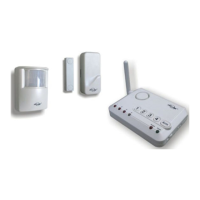
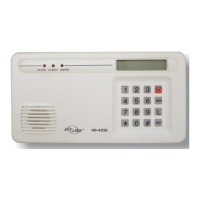
3. Setup – Learn remote or sensors or control panel
In order for the remote or sensor or control panel to communicate with the Wireless External
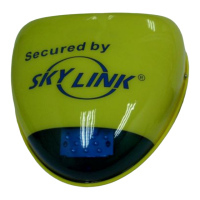
Alarm properly, the remote or sensor or control panel must be programmed to the Wireless
External Alarm. Follow the brief instructions below to program the remote or sensor or control
panel to the Wireless External Alarm.
Before proceeding, ensure you have both the Wireless External Alarm and the remote or sensor
or control panel next to you.
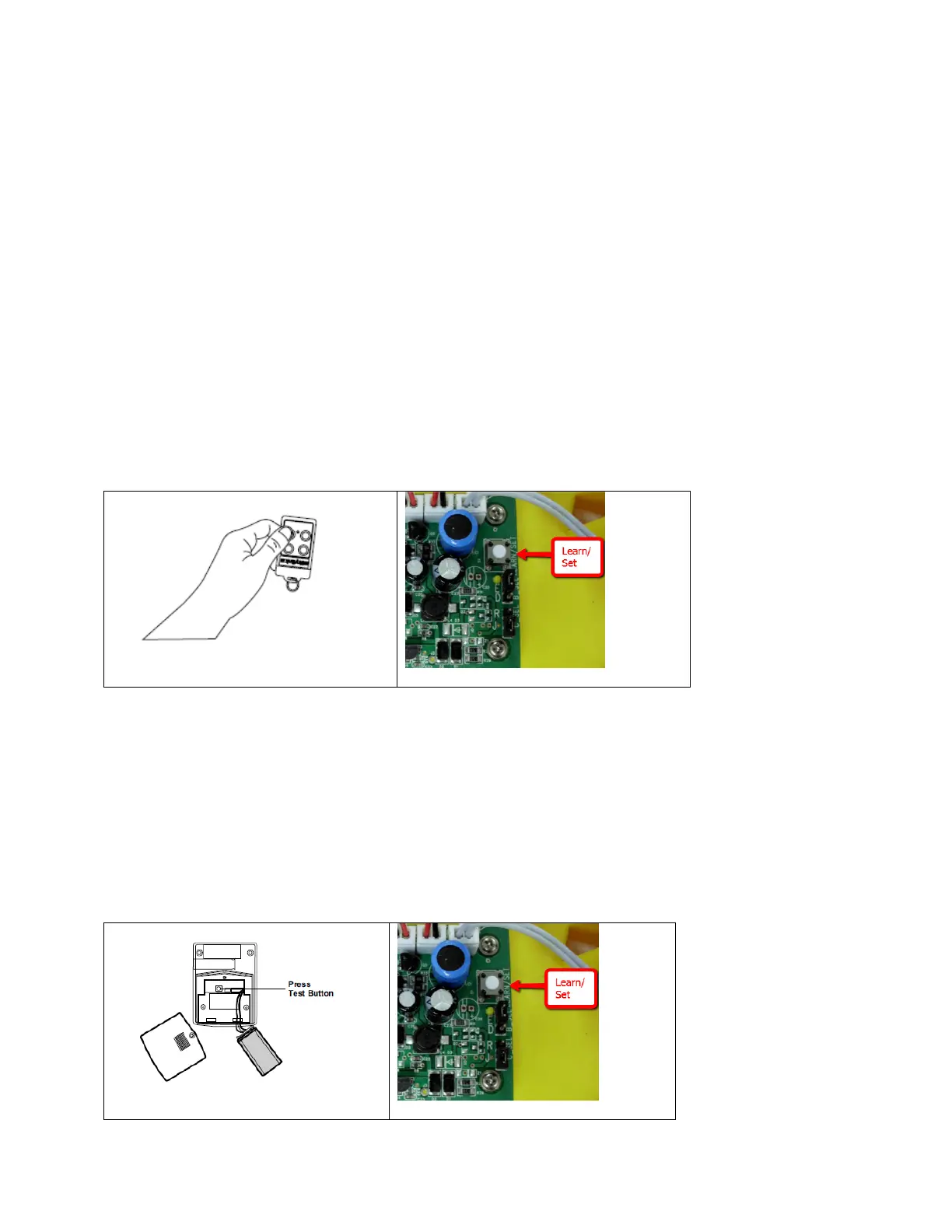
3A – Learn remote to the Wireless External Alarm:
- Press and hold the Learn button on the Wireless External Alarm for 2 seconds and then
release. The Learn/Set LED will flash.
- Activate the remote by pressing any one of the buttons.
- You will hear 2 beeps and the LEDs will flash twice indicating the remote is now
programmed to the Wireless External Alarm.
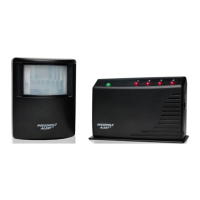
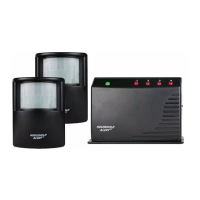
3B – Learn motion sensor to the Wireless External Alarm:
- Press and hold the Learn button on the Wireless External Alarm for 2 seconds and then
release. The Learn/Set LED will flash.
- Activate the motion sensor by pressing the “Test/Set” button on the motion sensor. This
“Test/Set” button can usually find inside the battery compartment.
- You will hear 2 beeps and the LEDs will flash twice indicating the sensor is now
programmed to the Wireless External Alarm.


 To Next Page