17
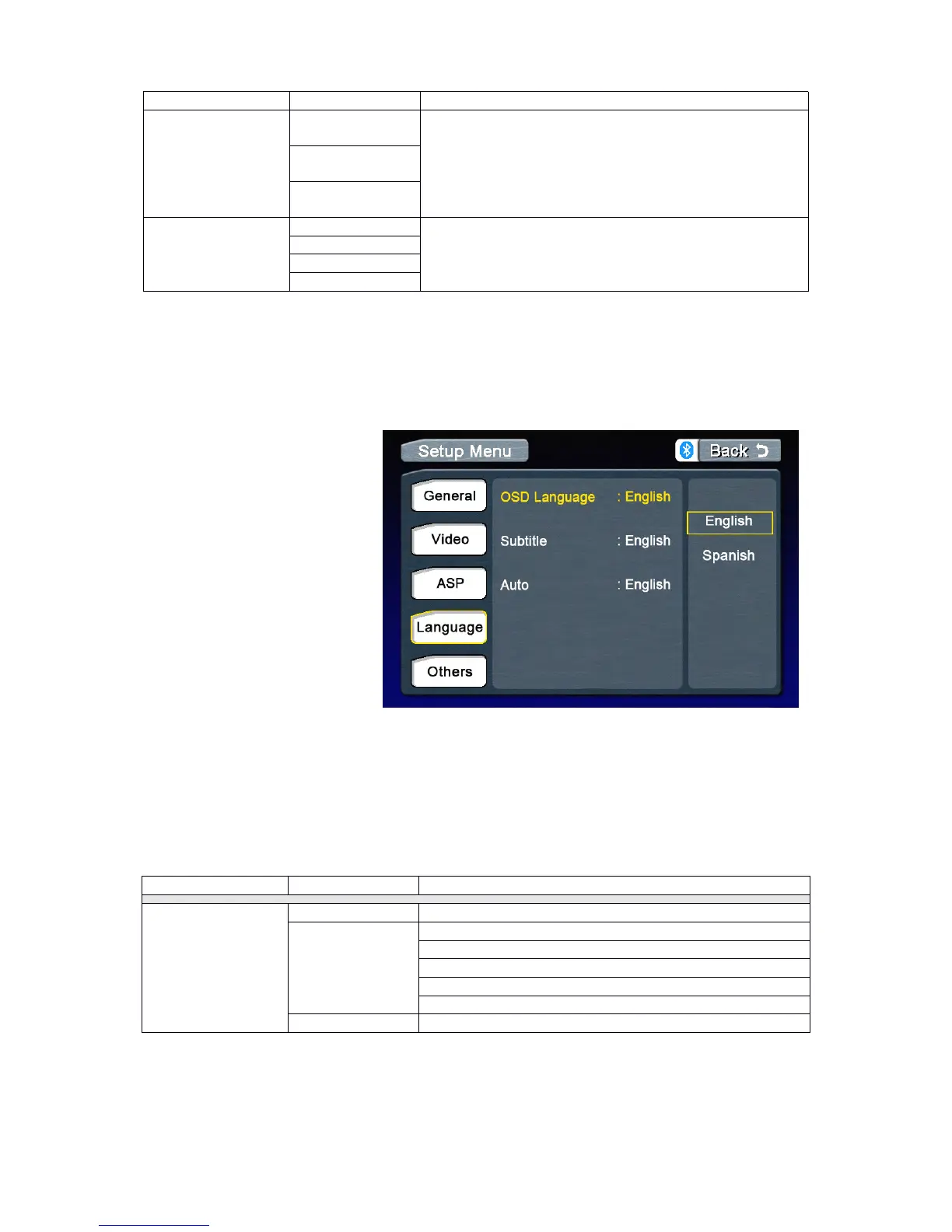
Language
Language
Language
LanguageMenu
M enu
Menu
Menu
Accessing
Accessing
Accessing
Accessingthe
t he
the
theASP
A SP
ASP
ASPConfig
C onfig
Config
Configuration
u ration
uration
urationMenu
M enu
Menu
Menu
PresstheMENU
MENU
MENU
MENUonthefrontpanelorpressthe(MENU)
M ENU)
MENU)
MENU)buttonontheremotecontroltoaccess
MAIN
MAIN
MAIN
MAINmenu.
.
.
.
Selecting
Selecting
Selecting
Selectinga
a
a
aFeature
F eature
Feature
Featurefor
f or
for
for
Adjustment
Adjustment
Adjustment
Adjustment
Pressthedirectionbuttonson
theremotecontrolortouchthe
optiondirectlyonthescreento
selectafeaturetobeadjusted.
Adjusting
Adjusting
Adjusting
Adjustinga
a
a
aFeature
F eature
Feature
Feature
1.Entertheoptionfieldforthe
featureyouwanttoadjustby
pressingthe(OK)
O K)
OK)
OK)buttononthe
remoteorbypressingthe
SMART
SMART
SMART
SMARTDIAL
D IAL
DIAL
DIAL.Asubmenu
appearsinasecondrowwiththe
selectedoption.
2.Selectanewvalueby
pressingthedirectionbutton.
3.Confirmyourselectionbypressing(OK)
O K)
OK)
OK)buttonontheremotecontrolorpressingtheSMART
S MART
SMART
SMART
DIAL
DIAL
DIAL
DIALonthefrontpanel.Thenewsetupiscomplete.
Return
Return
Return
Returnto
t o
to
tonormal
n ormal
normal
normalplayback
p layback
playback
playback
Thesystemwillautomaticallyreturnthepreviousplaybackmodethatitwasinbeforeaccessing
thesetupmenu20secondsafterthelastoperation.
Selectingacrossoverfrequencysetsacut-off
frequencyofthesubwoofer’sLPF(low-passfilter)and
the“SMALL”speakers’HPF(high-passfilter).The
Crossoverfrequencysettinghasnoeffectifthe
subwooferissetto“Off”andanyotherspeakerisset
to“Large”.
WhentheBassCenterFrequencyisselected,
adjustingtheBassQ-Factoraltersthesharpnessof
theBassoutput.



 To Next Page