22
Selecting
Selecting
Selecting
Selecting2-Channel
2 -Channel
2-Channel
2-Channeland
a nd
and
and5
5
5
5-Channel
- Channel
-Channel
-ChannelAudio
A udio
Audio
AudioPlayback
P layback
Playback
Playback
2-Channel
2-Channel
2-Channel
2-ChannelAudio
A udio
Audio
Audio(Down
( Down
(Down
(DownMix)
M ix)
Mix)
Mix)Support
S upport
Support
Supportfor
f or
for
forCD,
C D,
CD,
CD,SD
S D
SD
SDCard
C ard
Card
Cardand
a nd
and
andDVD
D VD
DVD
DVD
Linearpulsecodemodulation(LPCM)andpulsecodemodulation(PCM)supportisavailablefor
CD,SDCardandDVDdiscswhen2-channelaudioisselected.
5
5
5
5-
-
-
-Channel
Channel
Channel
ChannelAudio
A udio
Audio
AudioSupport
S upport
Support
Supportfor
f or
for
forCD,
C D,
CD,
CD,SD
S D
SD
SDCard
C ard
Card
Cardand
a nd
and
andDVD
D VD
DVD
DVD
SurroundIisavailablefordecodinganalogordigital2-channeldownmixedsources.SurroundII
isavailablefordecodingdigitalbit-streamsources.
NOTE
NOTE
NOTE
NOTE:Only2-ChannelaudiosupportisavailableforAM/FMtuner,TVtunerandAuxiliaryinput.
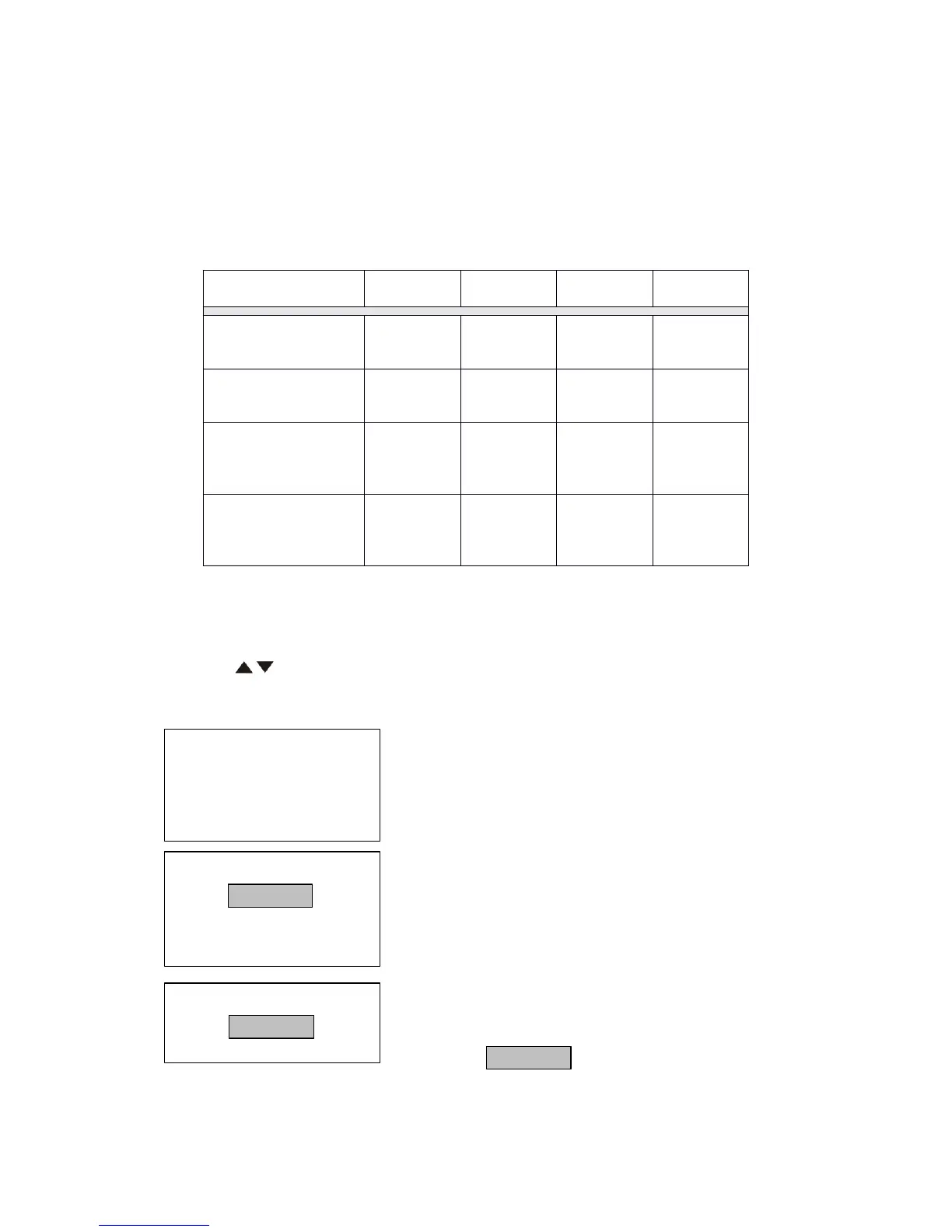
Table
Table
Table
Table8:
8 :
8:
8:Speaker
S peaker
Speaker
SpeakerOutput
O utput
Output
OutputOptions
O ptions
Options
Options
G
G
G
GOTO
OTO
OTO
OTOSearch
S earch
Search
Search
DuringDVDorVCDplayback,performthefollowingstepstousetheGOTOfeaturetoaccessa
specificlocationonadisc:
1.Pressthe(-/--)buttononremotecontrolortouchAreaFonthescreentoenter“GOTO”mode.
2.Pressthe(/)buttonsontheremotecontroltoselectacategory.
•ForDVDmode,youcanchooseTimeorTitle/Chaptersearch.
•ForVCDmode,pressthe(-/--)buttontochoosebetweenTrackSearch,DiscSearchandExit.
DVD
D VD
DVD
DVDSearch
S earch
Search
Search
Time
Time
Time
Time–Gotospecifictimeincurrenttitle
Title/Chapter
Title/Chapter
Title/Chapter
Title/Chapter–Gotospecifictimeinachapter
VCD
VCD
VCD
VCDTrack
T rack
Track
TrackSearch
S earch
Search
Search
Time
Time
Time
Time–Gotospecifictimeinthecurrenttrack
Track
Track
Track
Track–Gotospecifictrack
VCD
VCD
VCD
VCDDisc
D isc
Disc
DiscSearch
S earch
Search
Search
Time
Time
Time
Time–Gotospecifictimeondisc
Track
Track
Track
Track–Gotospecifictrack
3.Touchthe())/(----/--)areaonthescreen
todisplayanumerickeypadonthetouchscreen.



 To Next Page