Accessing
Accessing
Accessing
AccessingSD
S D
SD
SDMode
M ode
Mode
Mode
1.ToswitchtoSD
SD
SD
SDmode,presstheMenu
M enu
Menu
Menubuttononthefrontpanelorthe(SRC)
S RC)
SRC)
SRC)buttononthe
remotecontrolrepeatedlyuntilSD
SD
SD
SDappearsatthetopleftcornerofthescreen.
2.SelecttheMainmenu,thentouchtheSD
S D
SD
SDicontoselectSD
S D
SD
SDasyoursource.
USB
USB
USB
USBInstructions
I nstructions
Instructions
Instructions
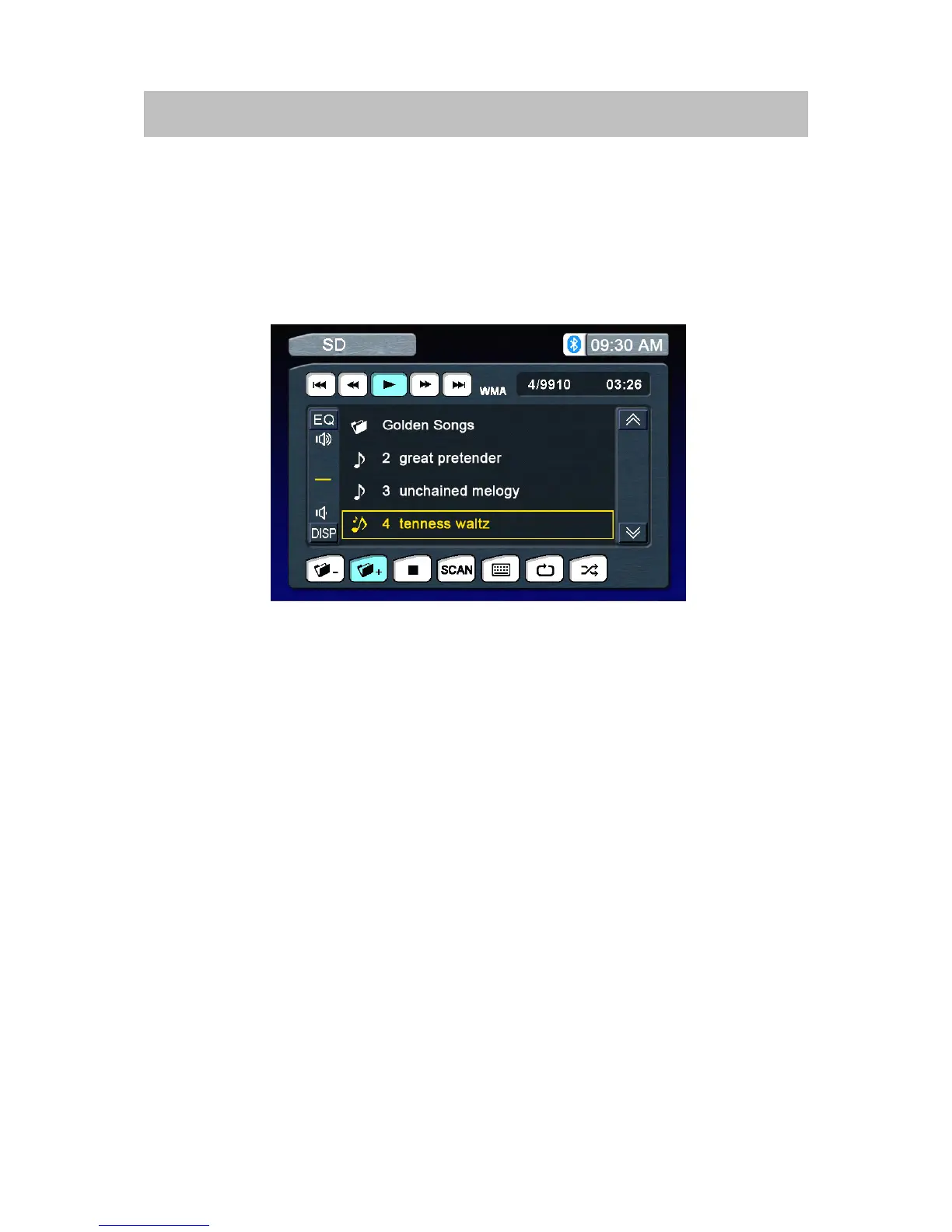
ThetouchkeysonthescreenforSD
S D
SD
SDplaybackaredescribedbelow,Iconsdefinationseeother
modes.



 To Next Page