TROUBLE SHOOTING
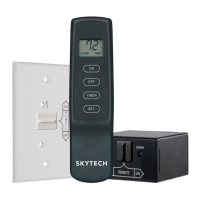
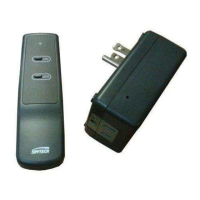
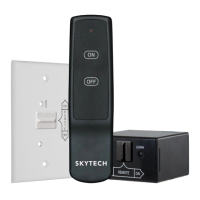
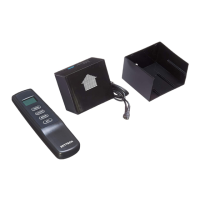
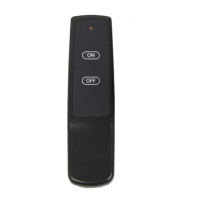
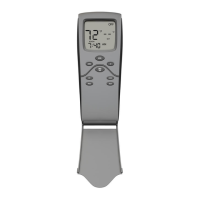
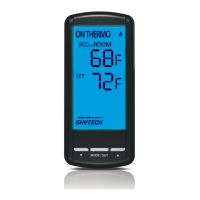
If you encounter problems with your replace system, the problem may be with either the replace itself or with the remote. Review the
replace manufacturer’s operation manual to make sure all connections are properly made. Then check the operation of the remote in
the following manner:
• Make sure there is a 110-120 volt power source to the receiver.
• Check batteries in transmitter to make sure contacts are touching (+) and (-) ends of battery. Bend metal contacts in for tighter t.
• Check if the transmitter batteries are fully charged.
• Be sure receiver and transmitter are within 20 to 25-foot operating range.
• Keep receiver from temperatures exceeding 130 degrees F. Battery life will be shortened if exposed to those temperatures.
• If receiver is installed in a tightly enclosed metal surrounding, the operating distance will be shortened.
• Make sure the hand-held transmitter and remote receiver are communicating properly (see LEARNING TRANSMITTER TO
RECEIVER section).
FCC REQUIREMENTS
NOTE: THE MANUFACTURER IS NOT RESPONSIBLE FOR ANY RADIO OR TV INTERFER-
ENCE CAUSED BY UNAUTHORIZED MODIFICATIONS TO THIS EQUIPMENT. SUCH MODIFI-
CATIONS COULD VOID THE USER’S AUTHORITY TO OPERATE THE EQUIPMENT.
FOR TECHNICAL SERVICE, CALL: U.S. INQUIRIES
(855) 498-8324 OR (260) 459-1703
For Sales: (888) 672-8929
WEB SITE: www.skytechpg.com
CANADIAN INQUIRIES
(877) 472-3923
MANUFACTURED EXCLUSIVELY FOR SKYTECH II, INC
REV. 11-8-16 Page 4
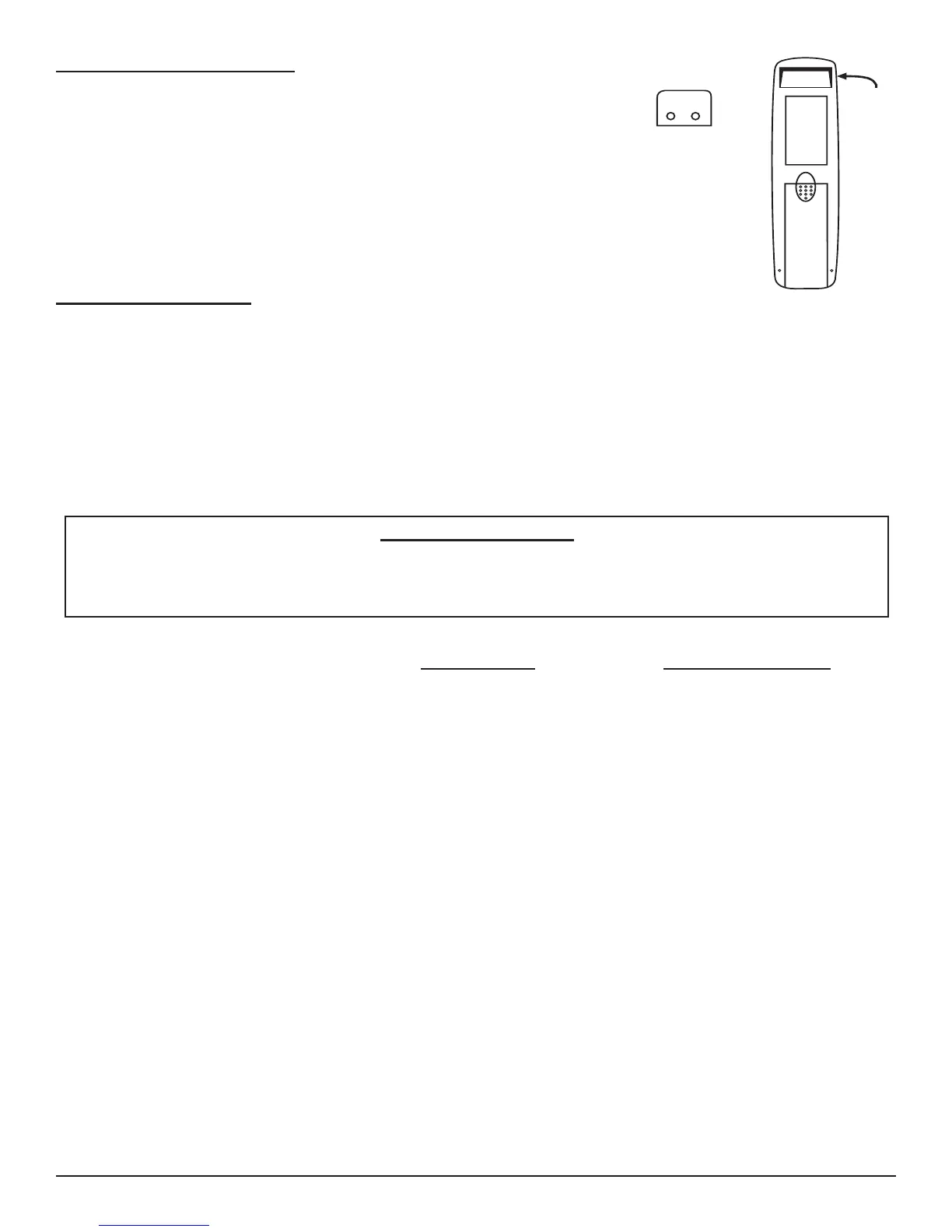
TRANSMITTER WALL CLIP
The transmitter can be hung on a wall using the clip provided.
• Wood - Drill 1/8’’ pilot holes and install with screws provided.
• Plaster/Wallboard - Drill 1/4’’ holes, then install with the screws provided.
WALL CLIP
SLOT
WALL CLIP
BATTERY
COMPARTMENT
Skytech 1410 T/LCD-A


 To Previous Page