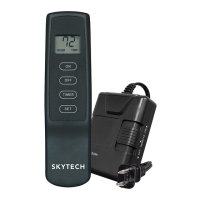
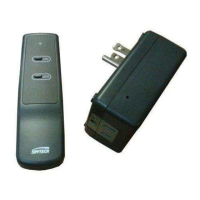
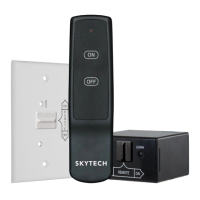
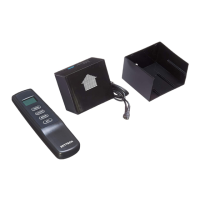
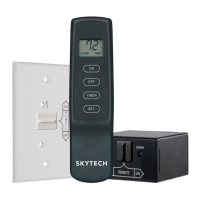
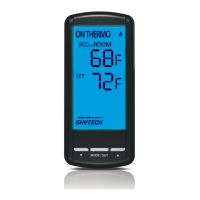
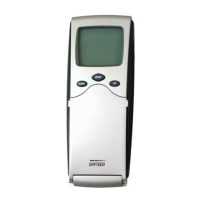
Model: 1410TH-A
INSTALLATION AND OPERATING INSTRUCTIONS
IF YOU CANNOT READ OR UNDERSTAND THESE INSTALLATION
INSTRUCTIONS DO NOT ATTEMPT TO INSTALL OR OPERATE
INTRODUCTION
This remote control system was developed to provide a safe, reliable and user-friendly remote control system for gas heating appli-
ances.
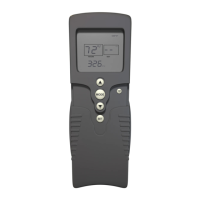
TRANSMITTER
ON
MODE
OFF
BUTTON
WALL CLIP
SLOT
FRONTBACK
OFF
SET
ON
BUTTON
MODE
BUTTON
SET
BUTTON
BATTERY
COMPARTMENT
KEY SETTINGS
1. ON - - -
2. OFF - -
3. MODE
4. SET - -
Turns appliance on
Turns appliance off
Cycles control between manual and thermo mode.
Sets temperature in thermo mode.
LCD - LIQUID CRYSTAL DISPLAY
ROOM
LCD - Liquid Crystal Display
TEMP
1
2
3
SET
4
5
6
1. Display - - - - - - - - - -
2. Fahrenheit or Celsius
3. Flame - - - - - - - - - - -
4. Room - - - - - - - - - - -
5. Temperature - - - - - -
6. Set - - - - - - - - - - - - -
Indicates current room temperature.
Indicates degrees Fahrenheit or Celsius.
Indicates appliance is on.
Indicates remote is in thermo mode.
Appears during manual operation.
Appears when setting the desired temperature in thermo mode.
SETTING ºF / ºC SCALE
The factory setting for temperature is ºF. To change the displayed
temperature, press the ON and OFF keys at the same time. Follow
this same procedure to return to ºF.
REV 7/24/12 Page 1
SCREEN WHILE DEPRESSING
ON KEY
SCREEN AFTER 3 SECOND
DEFAULT
SCREEN WHILE DEPRESSING
OFF KEY
SCREEN AFTER 3 SECOND
DEFAULT
MANUAL FUNCTION
ON OPERATION
Press the ON key to turn the appliance on. (The ame icon will ap-
pear on the LCD screen).
OFF OPERATION
Press the OFF key to turn the appliance off. (The ame icon will
disappear from the LCD screen.)
The transmitter operates on (2) 1.5V AAA batteries. It is recommended that ALKALINE
batteries always be used for this product. Be sure the batteries are installed with the (+)
and (-) ends facing the correct direction, and are fully charged.
Skytech 1410TH-A
f i r e - p a r t s . c o m

 Need help?
 General

 To Next Page