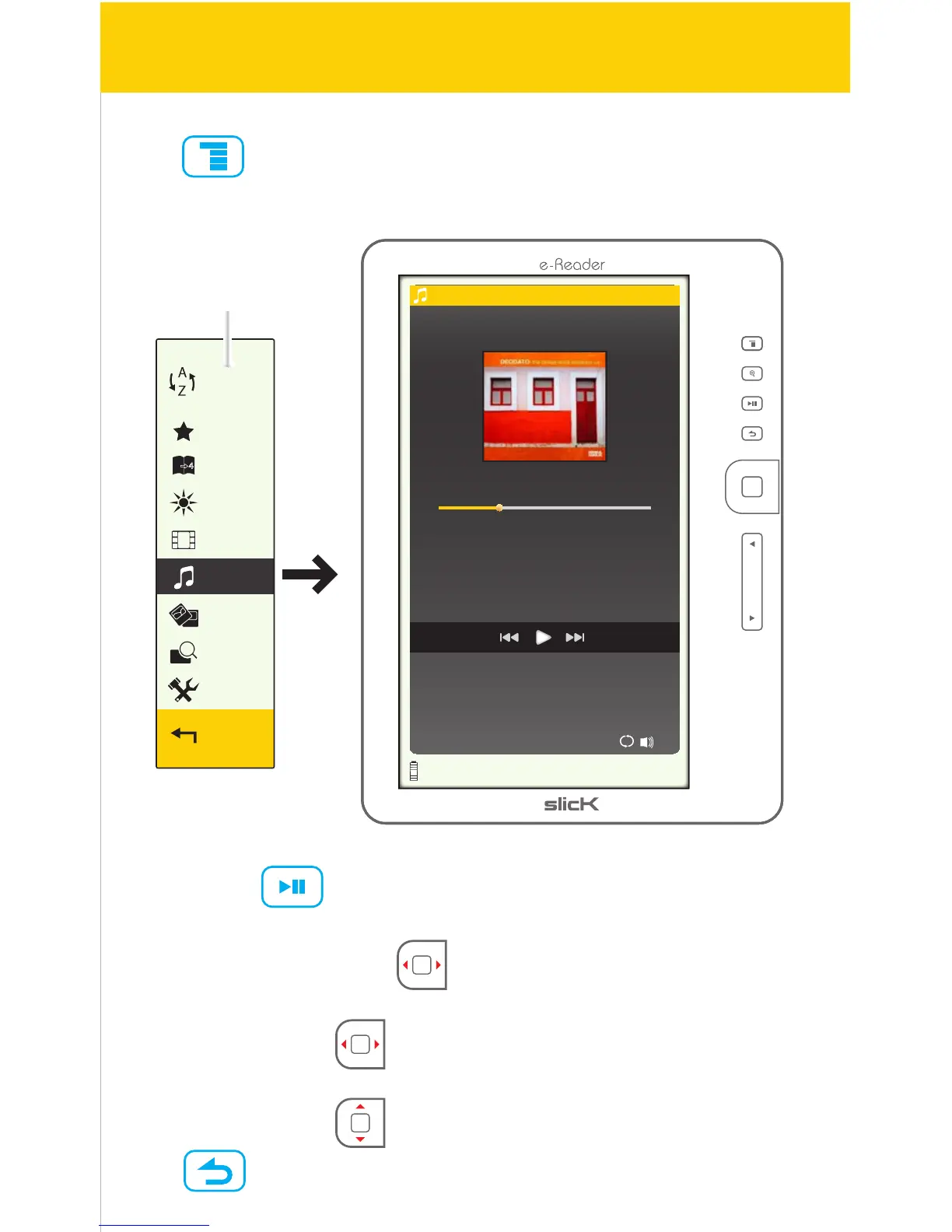
Now Playing
1/23 Pop 30
00:00:36 00:01:28
Samba No Congo
Deodato
Sort by
Favorites
Bookmarks
Brightness
Return
File Explorer
Photo
Settings
Music
Video
Music
Press while on the Home screen, and select “Music”.
• Play/pause:
Press [OK] or to play or pause the track.
• Rewind/forward:
Press & hold [ARROW KEYS] [] or [] to rewind or forward the track.
• Previous/next:
Press [ARROW KEYS] [] or [] to go to the previous or next track.
• Volume up/down:
Press [ARROW KEYS] [] or [] to adjust the volume.
Press to return to the Home screen.
Music screen
32/41



 To Next Page