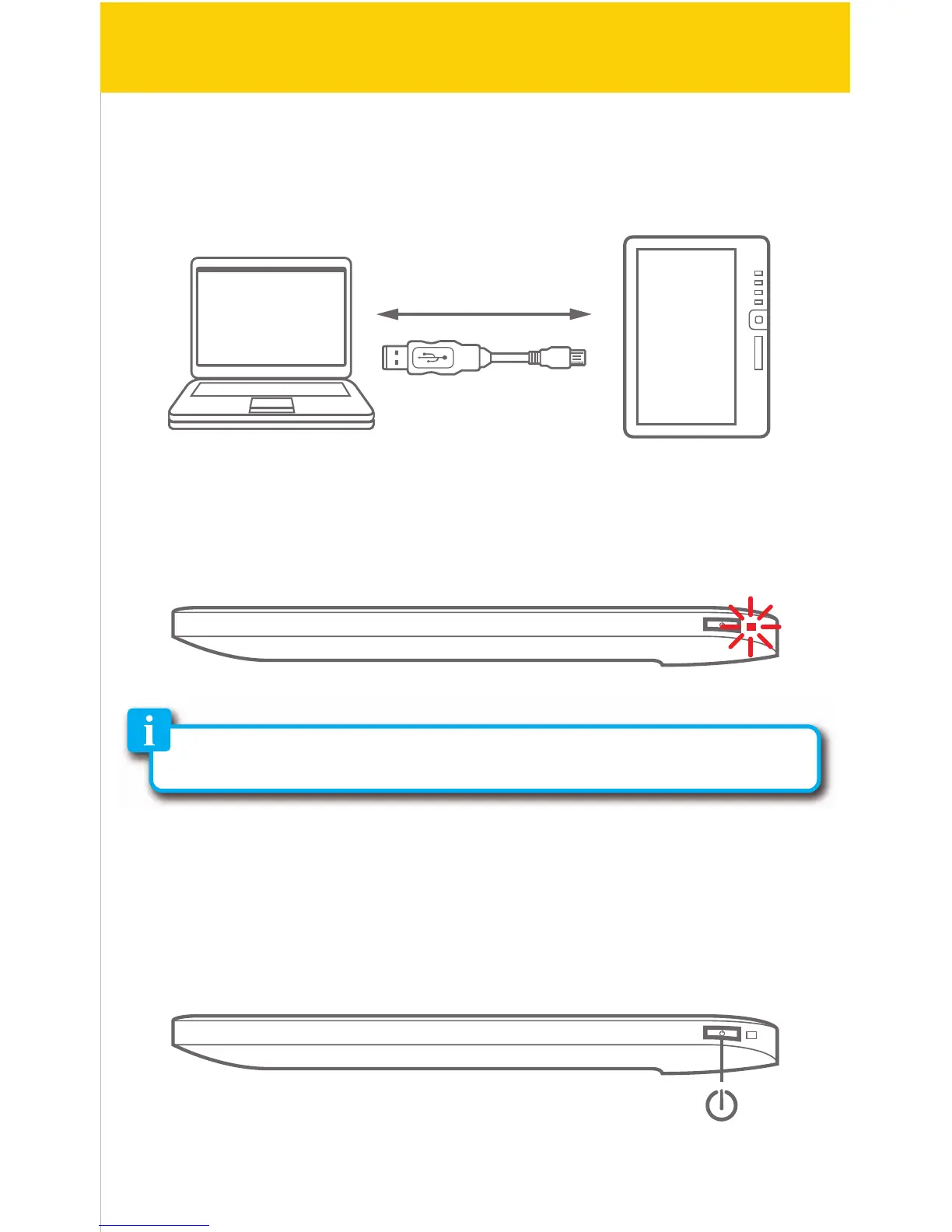
PC
USB cable
e-Reader
Basic operation
Charging the battery:
Connect the e-Reader to the computer using the included USB cable ( mini
USB port of the e-Reader to USB port of the computer).
While charging, the indicator light is red, it will turn blue after it is fully charged
(6-8 hours).
Turning on or o:
Make sure the e-Reader is fully charged before turning it on.
Press and hold [
�
] until the Home screen appears or the e-Reader shuts down.
Briey press [
�
] for standby mode (the display will shut but the device will still
be powered on - this will conserve battery time).
5/41
Charging indicator
Note: For faster charging, use the optional AC adaptor (see included
accessories order form).



 To Next Page