Quick Reference
The SMART Learning Marketplace
The SMART Learning Marketplace is a content subscription service that enables
you to quickly find and integrate digital learning objects, including images,
manipulatives, multimedia files and extra resources into your lesson. You can use
these learning objects when preparing your lesson in advance, or you can access
the SMART Learning Marketplace during your lesson to locate high quality
resources as you and your students need them. To subscribe or log in, select
SMART Learning Marketplace in the SMART Notebook software Gallery or go
to www.learningmarketplace.smarttech.com
.
Searching for content
The SMART Learning Marketplace includes an easy-to-use search tool to help you locate exactly the type of content you
need. You can search by keyword and filter search results by content type and subject.
To search for content, do the following:
1 Type a search term in the search box
2 Click the Search button. Search results are sorted by content type. The number of
results for each content type is indicated in each content type header.
3 To see the results for a specific content type, click the arrow in the content type header
4 Navigate through the results using the scroll bar and the page links at the top of the
section if there are a large number of results
N
OTE: If you are using SMART Notebook software, click the More Details button to see
a longer description of the learning object. This step prevents you from using up your
subscription limit on content that you don’t need.
5 To collapse a document type, click the arrow on the header again
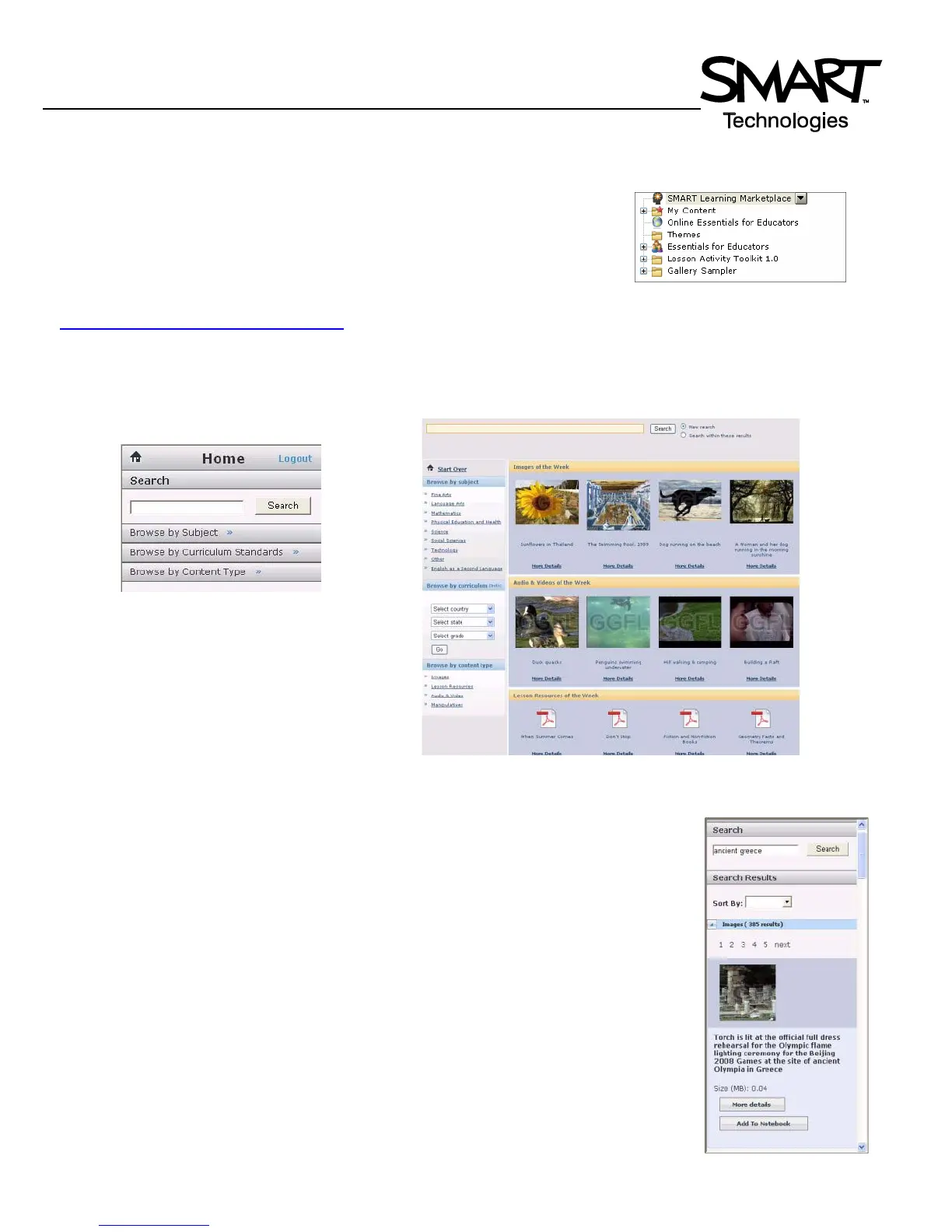
Select the SMART Learning Marketplace
in the Gallery tab.
The search tool interface appears in
the Gallery pane when you use the
SMART Learning Marketplace
through SMART Notebook software.
The search tool interface also includes images of popular learning objects
when you use the SMART Learning Marketplace through a Web browser.



 To Next Page