© 2006 SMART Technologies ULC. All rights reserved. Notebook and the SMART logo are trademarks of SMART Technologies ULC. Microsoft, PowerPoint and
Excel are registered trademarks of Microsoft corporation in the U.S. and other countries. All other third-party products and company names may be trademarks
of their respective owners. Printed in Canada 03/2086.
PowerPoint software
When you are presenting a slide show with PowerPoint software on a SMART brand product, you can save your notes as
images and save screen captures to Notebook software, just as you can when using Microsoft Word or Excel software. Use
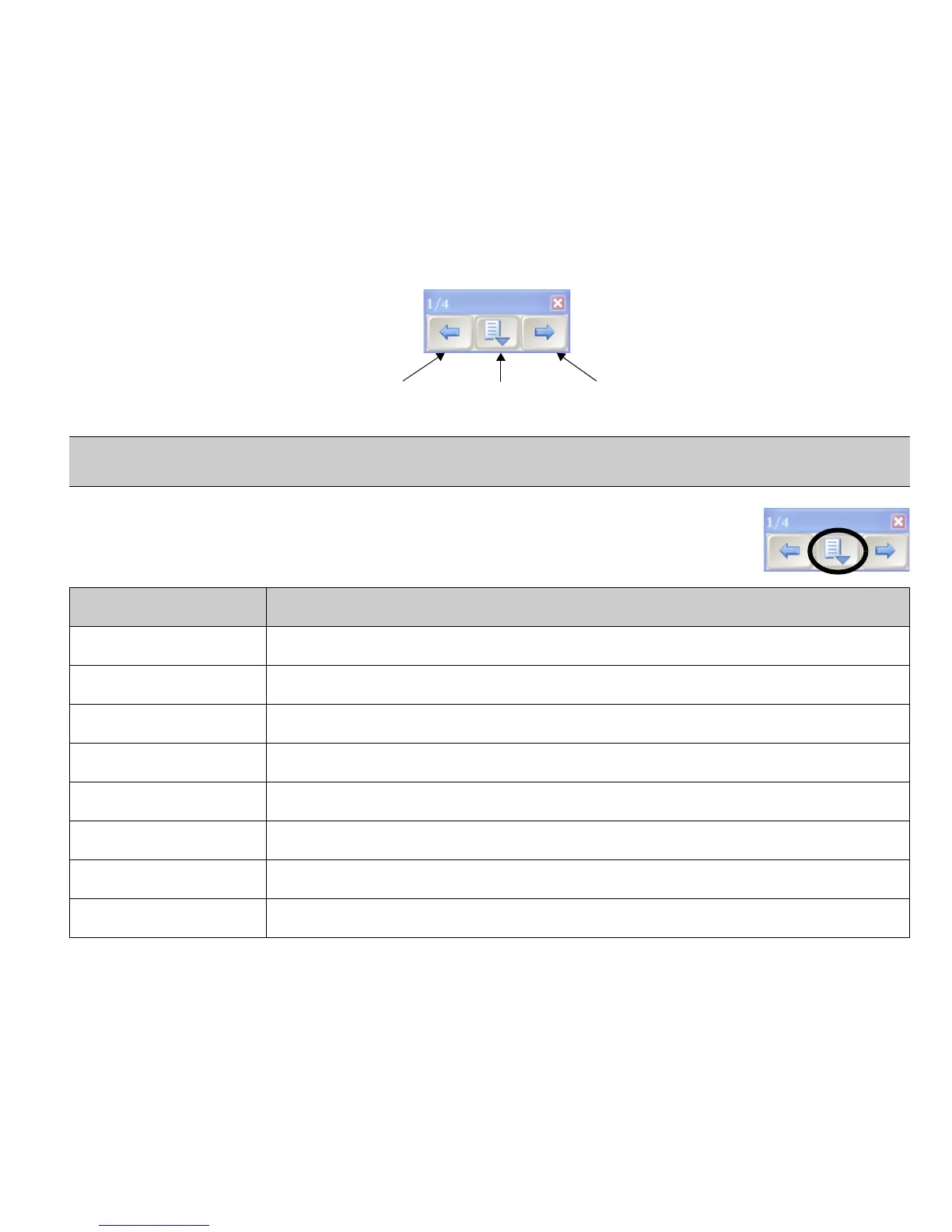
the Slide Show toolbar to access the Ink Aware features of PowerPoint software. The Slide Show toolbar appears
automatically when you run a PowerPoint slide show.
The Command menu
Press the center button on the Slide Show toolbar to launch the Command menu. The Command
menu features the following options.
TIP: You can advance to your next PowerPoint slide by pressing twice on your SMART brand product, ensuring your
second press is to the right of the first. To go to the previous slide, make the second press to the left of the first.
Select Use this tool to
Capture to Notebook capture an image of the current slide to Notebook software
Insert Drawing as Image save your notes directly into your PowerPoint software presentation
Clear Drawing delete your notes from the page
Add Blank Slide add an additional slide to your presentation
PowerPoint Commands launch the PowerPoint Commands submenu
Settings launch the Settings submenu
SMART Floating Tools launch the Floating Tools toolbar
End Show end the Slide Show
Slide Show toolbar
Go to the next slide
of your presentation
Open the Command MenuGo to the previous slide
of your presentation



 To Next Page