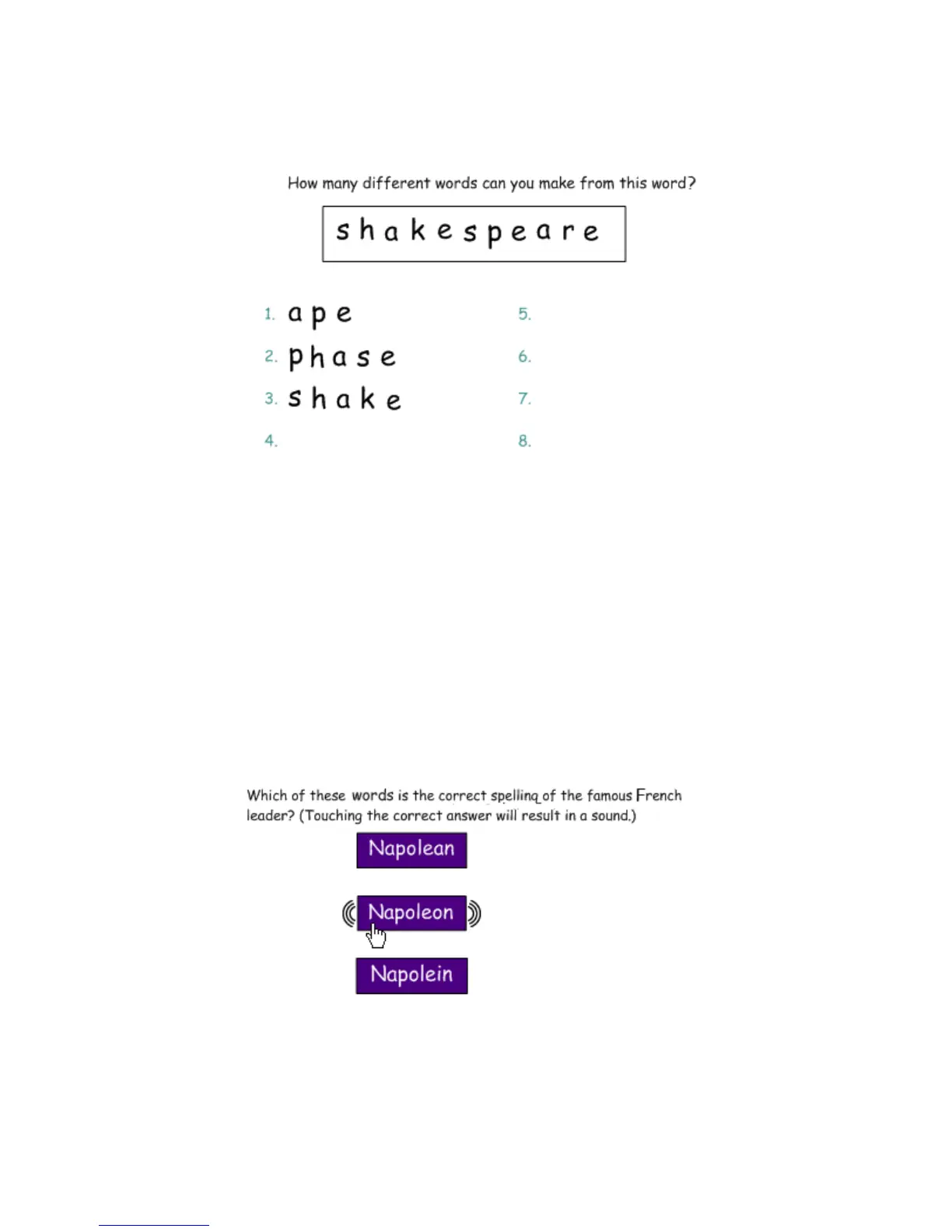
Keep information in context
Another benefit of the Infinite Cloner feature is that it makes it easy to keep information in context. This
feature is especially useful for text-based lessons.
Using sound
Notebook software makes it very easy to engage auditory learners by using sound within a lesson activity.
It is also a good way to give students insight into a speaker’s personality – listening to a historical speech,
rather than reading, can be more engaging for students.
Search the Notebook software Gallery to help you find the sounds you need. Try keywords like sound or
phonics to learn what content is already available. Attach an MP3 sound from your computer to an object by
pressing the object drop-down menu and selecting Sound.
Sound as a reinforcement tool
One way to use sound is to give immediate feedback to students when they touch specific objects in
Notebook software. Try recording applause to use for correct answers or the words try again for incorrect
answers.
Set each letter of a word as an Infinite Cloner. Drag the letter to a different
area of your page to create anagrams. The original word will remain in place.
You may want to set a timer to make the lesson more challenging. An
interactive timer is available from the Gallery Collections.


 To Next Page