EasyManua.ls Logo

Smart Dedicated Design STR7202 - Page 62

Smart Dedicated Design STR7202
72 pages
Print Icon
To Next Page IconTo Next Page
To Previous Page IconTo Previous Page
Loading...
Installation Manual STR7202 TAG4 & SFM7704 TAG1
DBCI-0512-0052-V013
STR7202 2-Side Trimmer & SFM7704 Square Fold Module
Name: RI01
Date: 29-3-2017
Page: 62 / 72
5. Installation (continued)
Contents
5.4 Finalizing Installation (continued)
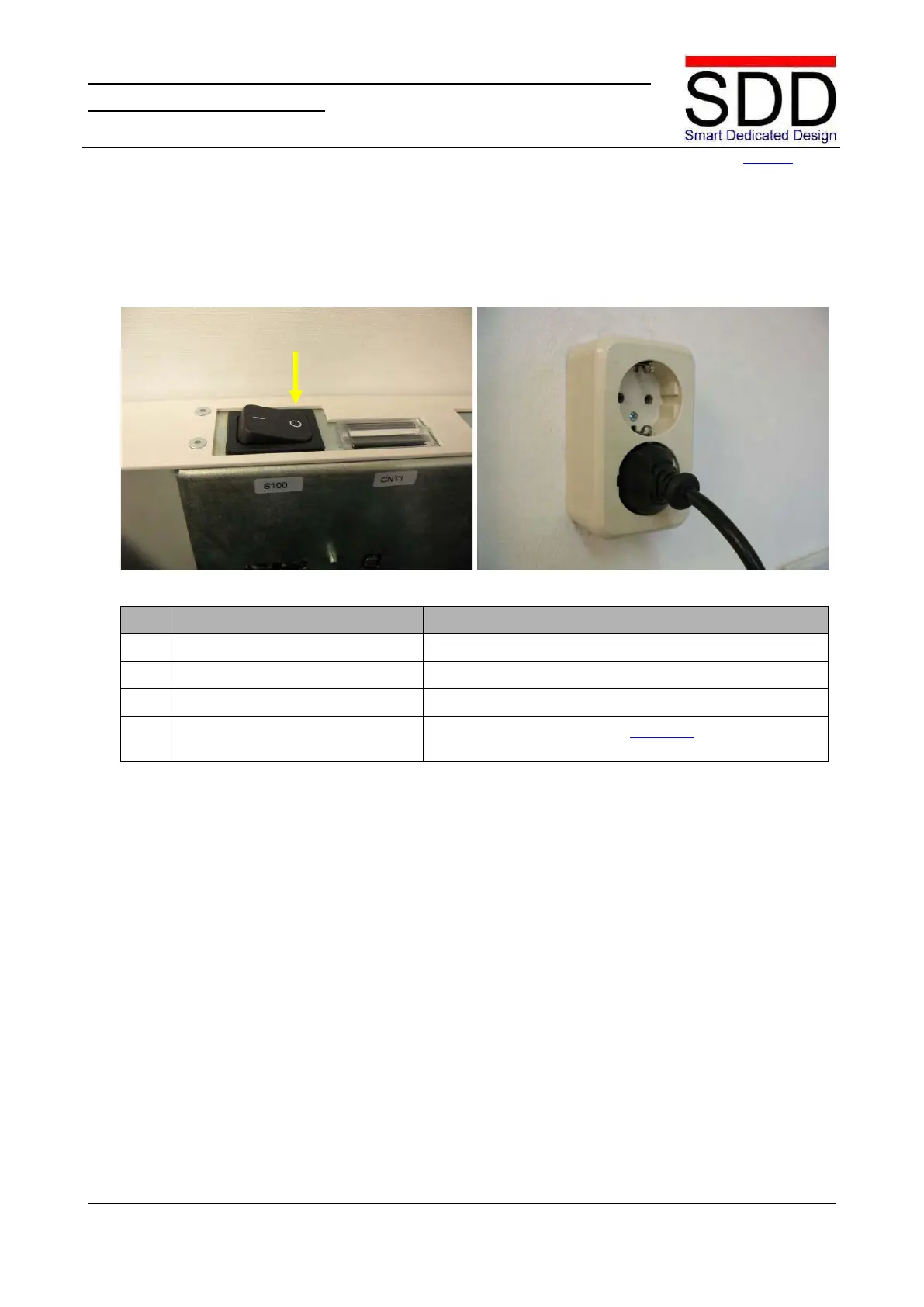
5.4.3 STR on External Power
Fig.5.4.3.1 Fig.5.4.3.2
Step
Action
Remarks
1.
Open Top Cover.
2.
Check Power Switch
Make sure the STR power Switch is OFF.(5.4.3.1).
3.
Close Top Cover.
4.
STR on External Power.
Plug the Power Cord into an approved Power
Outlet.(5.4.3.2).

Related product manuals