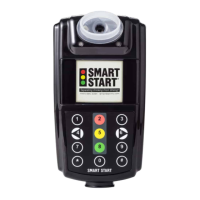
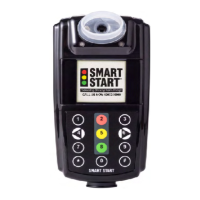
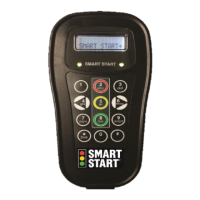
Low Power / Sleep Mode
If your SmartMobile Insight device is unplugged, it will go
into a low power / sleep mode. When in sleep mode, the
LEDs, beeper, and display will be off. You can wake up the
unit by pressing the “Center” button. The SmartMobile
Insight device will automatically wake up when a test
window appears and keep track of the countdown timer.
The display will turn on when the device is awakened.
Step-By-Step Operation
How to Take a Test
Plug in your SmartMobile Insight device or press the
“Center” key to wake up and initialize the device. Once
ready, the display will show “Press button to start test.” If
the device is in an open test window, the display will show
“Test Required – Press button to start test.” At this time,
drink water to ensure a clean mouth.
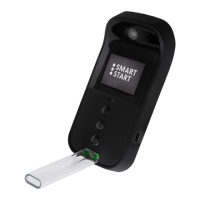
Take a deep breath and blow steadily into the mouthpiece
until you hear a click. You do not have to blow hard – just
steady. During the test, the display will show the words
“Testing – Keep Blowing.” The total blow test time is
approximately 3 seconds.
Test Results
After testing, the display will show “Analyzing – Please
Wait.” This means the unit is processing the breath
sample and a result will be displayed. For a complete test,
there are three (3) possible test results:
1. “Passed” means the test is complete and the alcohol
content of the sample passed.
2. “Warning” means the test is complete and the device
measured some level of alcohol – but not enough to
cause a failure. You will not be required to take additional
tests. If you are assigned to a zero-tolerance program, this
test will still be reported.


 To Next Page