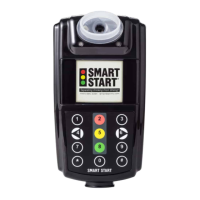
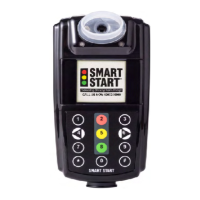
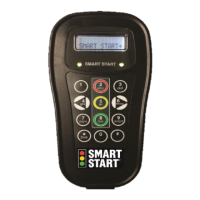
3. “Violation” means the test is complete and the alcohol
content is considered a violation. You will be required to
take additional tests to provide a passing test. (See display
message summary below for more information on a
violation.)
SmartMobile Insight Display Messages
1. Charging – Please Wait: The battery needs to be charged.
2. Logo: The unit is initializing.
3. Press button to start test - Next Test: (mm/dd hh:mm):
The unit is ready to accept a breath test and the next test
time is displayed.
4. Test Required – Press button to start test: A test window
is open, and you are required to provide a passing test
before the timer counts down to zero.
5. Testing – Keep Blowing: Testing is in progress.
6. Analyzing – Please Wait: The unit is processing the breath
sample.
7. Passed: The test is complete, and the alcohol content of
the sample is considered passing.
8. Warning: This means the test is complete and the device
measured some level of alcohol – but not enough to cause
a failure. You will NOT be required to take additional tests.
But, if you are on a zero-tolerance program, this test will
still be reported.
9. Violation: This means the test is complete and the alcohol
content is considered a violation. You will be required to
take additional tests to provide a passing test. Wait for the
unit to display “Test Required – Press button to start test”
and take the test again.
10. Missed Test: This means that you did not provide a
passing test during a required test window.
11. Data Upload: This indicates that the device is connected
wirelessly and uploading test results and photos. Testing is


 To Next Page